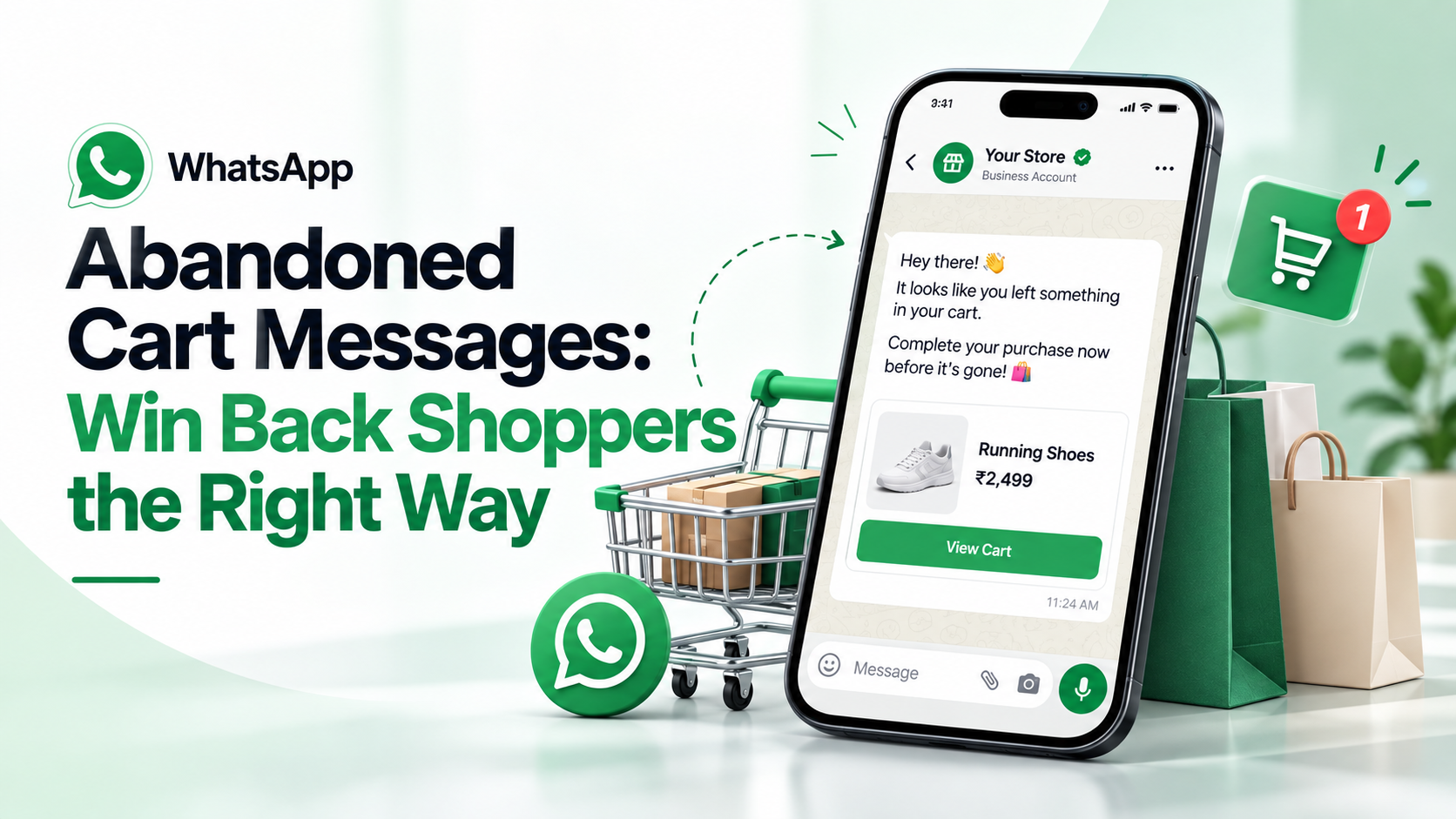
A WhatsApp abandoned cart message is a short reminder sent to a shopper who started checkout but didn't pay, with a link straight back to their cart. It works best as a single, friendly nudge sent soon after they leave, to someone who agreed to receive WhatsApp messages from your store.
To send it through the WhatsApp Business Platform (the API), you need three things: the shopper's opt-in, an approved marketing template, and a store connection that tells you when a checkout wasn't completed.
How does WhatsApp cart recovery work?
Behind the scenes, it's a simple chain of events:
- A shopper enters their phone number at checkout, then leaves without paying.
- Your store sends a "checkout started" event to your messaging platform.
- The platform waits for a while, then checks whether an order came in.
- If there's still no order, it sends your approved template with a link back to the cart.
- If the shopper replies, the chat lands in your team inbox like any other conversation.
In Omni, step 3 is automatic: when a Shopify checkout starts, Omni waits 30 minutes, checks for an order from that customer, and only then fires the Cart abandoned trigger. You decide what happens next in an automation.
What are Meta's rules for cart reminders?
These are the rules that decide whether your reminders get delivered, and what they cost.
It's a marketing message
Meta's template categorization rules say a utility template must be non-promotional. A reminder to finish a purchase is a nudge to buy, so submit it as a marketing template. If you file it as utility, Meta can move it to marketing anyway, and repeated mislabelling can cost you advance notice of those changes. Our guide to getting WhatsApp templates approved explains the categories.
You need the shopper's opt-in
Meta's opt-in policy requires you to clearly state that the person is opting in to messages, and to name your business. You can collect opt-in on your website, including at checkout. A good checkbox:
☐ Send me order updates and reminders from Green Leaf Store on WhatsApp.
Also tell people how to opt out, and honour it.
Some shoppers won't receive it
- United States numbers: Meta's documentation says WhatsApp does not currently deliver marketing templates to users with US phone numbers.
- Per-user limits: WhatsApp limits how many marketing messages each person receives from all businesses, based on how they engage. When a message is held back, the API returns error code 131049.
So plan for WhatsApp to recover some carts, not all. Keep your email reminder running as well.
It costs one marketing message
Meta charges per delivered template, and marketing rates depend on the shopper's country. See WhatsApp API pricing for how the charges work. If the shopper replies, your answers within the next 24 hours are free non-template messages.
When should you send a cart reminder?
There's no single right time. What matters is that the shopper still remembers the cart. For comparison, Shopify's own abandoned checkout email waits 10 hours by default, and you can change it.
A practical plan for most stores:
| Message | When | Purpose |
|---|---|---|
| One WhatsApp reminder | 30 minutes to a few hours after checkout | A helpful nudge while they still remember |
| Email reminder | Later, per your store's settings | A second channel for anyone WhatsApp didn't reach |
Test a couple of timings and keep what works for your customers. One WhatsApp reminder per cart is usually enough. More messages mean more blocks, which lower your number's quality rating.
WhatsApp abandoned cart message templates (examples)
Keep it short, personal and useful. Name the product if you can, include the cart link, and make it easy to ask a question.
Simple reminder
Hi {{1}}, you left something in your cart at Green Leaf Store. Your items are saved — tap below to finish your order. Questions? Just reply to this message.
Reminder with help
Hi {{1}}, we noticed you didn't finish checking out. If something went wrong with payment or delivery options, reply here and we'll help. Your cart is saved: {{2}}
Reminder with an offer (use sparingly)
Hi {{1}}, your cart is still waiting. Complete your order in the next 24 hours and get {{2}} off with code {{3}}.
Notice that every example starts and ends with words, not variables. That's one of Meta's template rules.
Should you offer a discount?
Only sometimes. A discount can recover a sale, but if every abandoned cart gets one, regular customers learn to abandon on purpose. Many stores send a plain reminder first and keep discounts for high-value carts or first-time buyers.
How to set up WhatsApp abandoned cart recovery for Shopify
This is how to set it up in Omni. It works with Shopify and BigCommerce stores.
- Connect your store in E-commerce → Stores. See Connect your online store.
- Collect WhatsApp opt-in at checkout in your store, and make sure the phone field is filled in.
- Create a marketing template under WhatsApp → Templates, and wait for approval. Include a variable or button for the cart link.
- Build an automation with the Cart abandoned trigger (see all triggers). Add a Send WhatsApp template step and fill the variables. The cart link is available as
{{context.recovery_url}}and the total as{{context.cart_total}}. - Test it with your own phone number, then switch it on.
WooCommerce stores can use Omni for order updates today, but abandoned cart events currently come from Shopify and BigCommerce only.
Common mistakes to avoid
- Messaging people who didn't opt in. It breaks Meta's rules and gets your number reported.
- Filing the reminder as a utility template. It's marketing. Mislabelling only delays the problem.
- Sending three or four reminders. One well-timed message beats a sequence that feels like spam.
- Forgetting the link. Every reminder should take the shopper straight back to their cart.
- Leaving replies unanswered. A shopper who replies has a question. Answer it quickly from your shared inbox.
Sources
- Meta — Template categorization
- Meta — Getting opt-in for WhatsApp
- Meta — Per-user marketing template message limits
- Meta — Pricing on the WhatsApp Business Platform
- Shopify Help Center — Recovering abandoned checkouts
Rules checked against Meta's and Shopify's documentation in September 2026.
Frequently asked questions
Is an abandoned cart reminder a utility or marketing template?
Marketing. Meta's rules say utility templates must be non-promotional, and a reminder to complete a purchase encourages a sale.
Do I need permission to send WhatsApp cart reminders?
Yes. Meta requires opt-in that names your business and makes clear the person will get messages. You can collect it with a checkbox at checkout.
How soon should I send a WhatsApp cart reminder?
Usually within 30 minutes to a few hours, while the shopper remembers the cart. Test timings for your store and send just one reminder.
Why didn't my cart reminder reach some customers?
WhatsApp currently doesn't deliver marketing templates to US phone numbers, and it limits how many marketing messages each person receives. Blocked sends return error 131049.
Can I send cart reminders for a WooCommerce store in Omni?
Not yet. Omni supports WooCommerce order updates, but abandoned cart events currently come from Shopify and BigCommerce stores.
- #abandoned cart recovery
- #whatsapp abandoned cart
- #shopify
- #cart recovery message
- #ecommerce
The Omni Team
The Omni team builds the shared inbox, AI chatbots and automation tools businesses use to talk to customers on WhatsApp, Instagram and Messenger.
Put this into practice with Omni
One inbox for WhatsApp, Instagram and Messenger, with AI chatbots, campaigns and automation. Start on the free plan.