WhatsApp opt-in is a person's clear agreement to receive WhatsApp messages from your business. Meta requires it before you message anyone through the WhatsApp Business Platform. It must say that they'll get WhatsApp messages and name your business, and you must follow any local consent laws on top.
Get opt-in right and your messages reach people who expect them. Get it wrong and people block or report you, which lowers your number's quality rating and can limit how many people you can message.
What does Meta require for WhatsApp opt-in?
Meta's opt-in guidance for the WhatsApp Business Platform sets three requirements:
- State that the person is opting in to receive messages from your business on WhatsApp.
- State your business's name clearly.
- Comply with applicable law (for example GDPR in the EU and UK).
Meta also expects you to set clear expectations about what kind of messages people will get, give clear instructions for opting out of specific categories of messages, and honour those requests. It warns that businesses whose quality stays low for a long period get rate-limited.
What Meta doesn't dictate: how you collect opt-in. The guidance says it's up to the business to choose the method, as long as the requirements are met.
What counts as opt-in, and what doesn't?
| Counts as opt-in | Doesn't count |
|---|---|
| Ticking an unticked box that mentions WhatsApp and your business name | A pre-ticked box |
| Sending you a WhatsApp message asking to be updated | Having your number in their phone |
| Saying yes in a recorded phone call or IVR menu | Buying from you once, with nothing said about WhatsApp |
| Signing a paper form at your counter | A list you bought, scraped or got from a partner |
| Replying "YES" to an SMS or email asking about WhatsApp | Following you on Instagram |
A good test: if the customer saw your message and thought "Why is this business messaging me?", you didn't have real opt-in.
Opt-in for replies vs opt-in for marketing
There are really two levels of consent:
- Conversation consent. When a customer messages you first, they clearly want an answer. Replying to them inside the 24-hour window is expected.
- Ongoing consent. Sending reminders, updates or offers later, with templates, needs them to have agreed to that. Marketing messages especially.
Meta recommends collecting opt-in that is either broad or specific to a category, such as order updates or offers. Separate choices build more trust. Many people happily accept delivery updates but don't want promotions.
7 places to collect WhatsApp opt-in
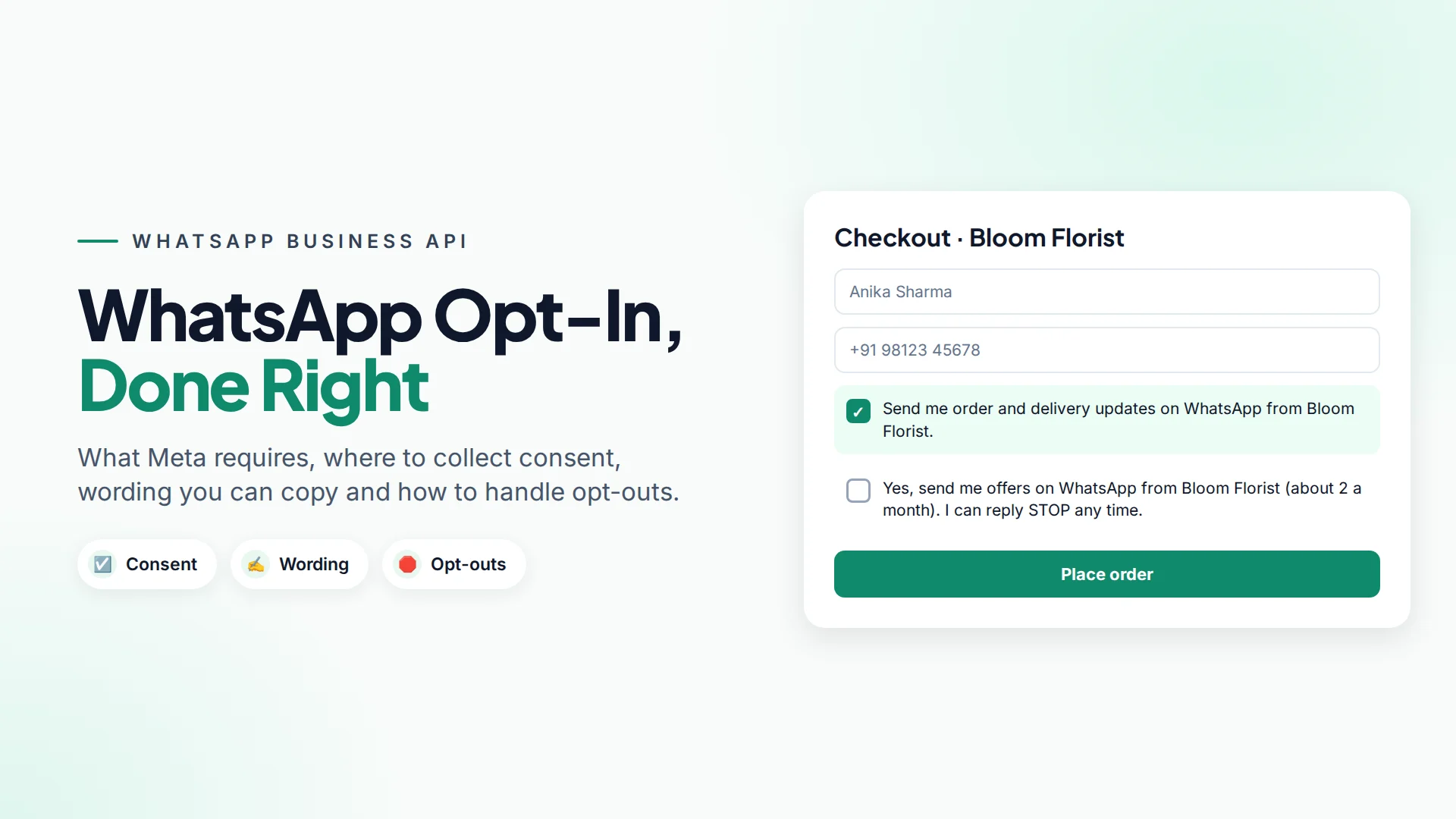
- Checkout. An unticked box: "Send my order updates on WhatsApp."
- Website forms. Contact, quote and booking forms with a WhatsApp consent line.
- A "Chat on WhatsApp" button. When someone starts a chat, ask if they'd like updates. See how to add a WhatsApp button to your website.
- Click-to-WhatsApp ads. The person starts the conversation; ask for ongoing consent in your first reply. See Click-to-WhatsApp ads explained.
- In store. A QR code at the counter that opens a chat with a pre-filled "Yes, send me updates" message.
- Phone calls. "Can we send your appointment details on WhatsApp?" Note the answer on the customer record.
- Existing email or SMS lists. Send a one-time invite to join your WhatsApp updates, and add only people who say yes.
Opt-in wording you can copy
Keep it short and specific. Name your business and the type of messages.
Checkout (order updates):
☐ Send me order and delivery updates on WhatsApp from Bloom Florist.
Marketing (separate box):
☐ Yes, send me offers and new arrivals on WhatsApp from Bloom Florist (about 2 a month). I can reply STOP at any time.
Booking form:
☐ Send my appointment confirmation and reminder on WhatsApp from Sunrise Dental.
First reply in a chat:
Thanks for messaging FitHub! Would you like class updates and offers here on WhatsApp? Reply YES to subscribe. You can reply STOP any time.
How to handle opt-outs
Opt-outs protect your number. A person who can't easily stop your messages will block or report you instead.
- Tell people how to stop in marketing messages ("Reply STOP to unsubscribe"). Template buttons such as "Stop promotions" make it one tap.
- Act on it quickly, including loose wording like "please stop messaging me".
- Stop only what they asked to stop. Someone who opts out of offers may still want delivery updates.
- Keep a record of the opt-out and its date.
How to record and use consent in Omni
Every contact in Omni has separate opt-in switches for WhatsApp, SMS and email, and campaigns automatically skip contacts who haven't opted in to that channel. Here's how to make that work well:
- Import with opt-in columns. When you import a CSV or Excel file, map columns such as
opt_in_whatsapp(yes/no). If your file has no opt-in columns, new contacts with a phone number are treated as opted in, so include the columns whenever your list mixes consented and non-consented people (import guide). - People who message your WhatsApp number are marked as opted in to WhatsApp, which covers replying to them. For marketing, add a tag such as
wa-offers-yeswhen someone agrees, and send promotional campaigns only to that tag or a segment built from it. - Capture opt-outs with an automation. Use the Message received automation trigger with a condition on the message text (for example contains "STOP"; the match is case-sensitive, so add branches for "stop" and "Stop" too), add an
opted-outtag, and assign the conversation to a teammate, who switches off WhatsApp opt-in on the contact. The tag also keeps them out of tag-based audiences in the meantime. - Check before sending. Use Audience preview in the campaign wizard to see exactly who will receive a campaign.
For sending safely at scale, read how to send WhatsApp bulk messages without getting blocked.
Common opt-in mistakes
- One vague checkbox for everything. "I agree to the terms" is not WhatsApp consent.
- Forgetting the business name. Meta requires it.
- Messaging old lists. Customers from three years ago may not remember you, even if they once agreed.
- Sending more than you promised. If you said two messages a month, don't send eight.
- No way out. Every marketing message should show how to stop.
Sources
Frequently asked questions
Do I need opt-in to reply to a customer who messaged me first on WhatsApp?
No extra opt-in is needed to answer their question inside the 24-hour customer service window. You do need their agreement before sending them later reminders, updates or marketing messages.
Can I collect WhatsApp opt-in on paper or over the phone?
Yes. Meta lets businesses choose the method, including in person, paper forms, phone calls and IVR, as long as the person clearly agrees to receive WhatsApp messages from your named business. Keep a record.
Is a pre-ticked checkbox valid WhatsApp opt-in?
It's not a good idea anywhere, and under EU and UK consent rules a pre-ticked box doesn't count as consent. Use an unticked box that the customer ticks themselves.
What happens if I message people without opt-in?
They're more likely to block or report your number. That lowers your quality rating, and Meta can limit how many people you can message or restrict the number.
Does one opt-in cover WhatsApp, SMS and email?
Only if the wording clearly covers all three. It's clearer to ask per channel, and Omni stores a separate opt-in for WhatsApp, SMS and email on each contact.
- #whatsapp opt-in
- #consent
- #whatsapp policy
- #whatsapp marketing
- #opt-out
The Omni Team
The Omni team builds the shared inbox, AI chatbots and automation tools businesses use to talk to customers on WhatsApp, Instagram and Messenger.
Put this into practice with Omni
One inbox for WhatsApp, Instagram and Messenger, with AI chatbots, campaigns and automation. Start on the free plan.