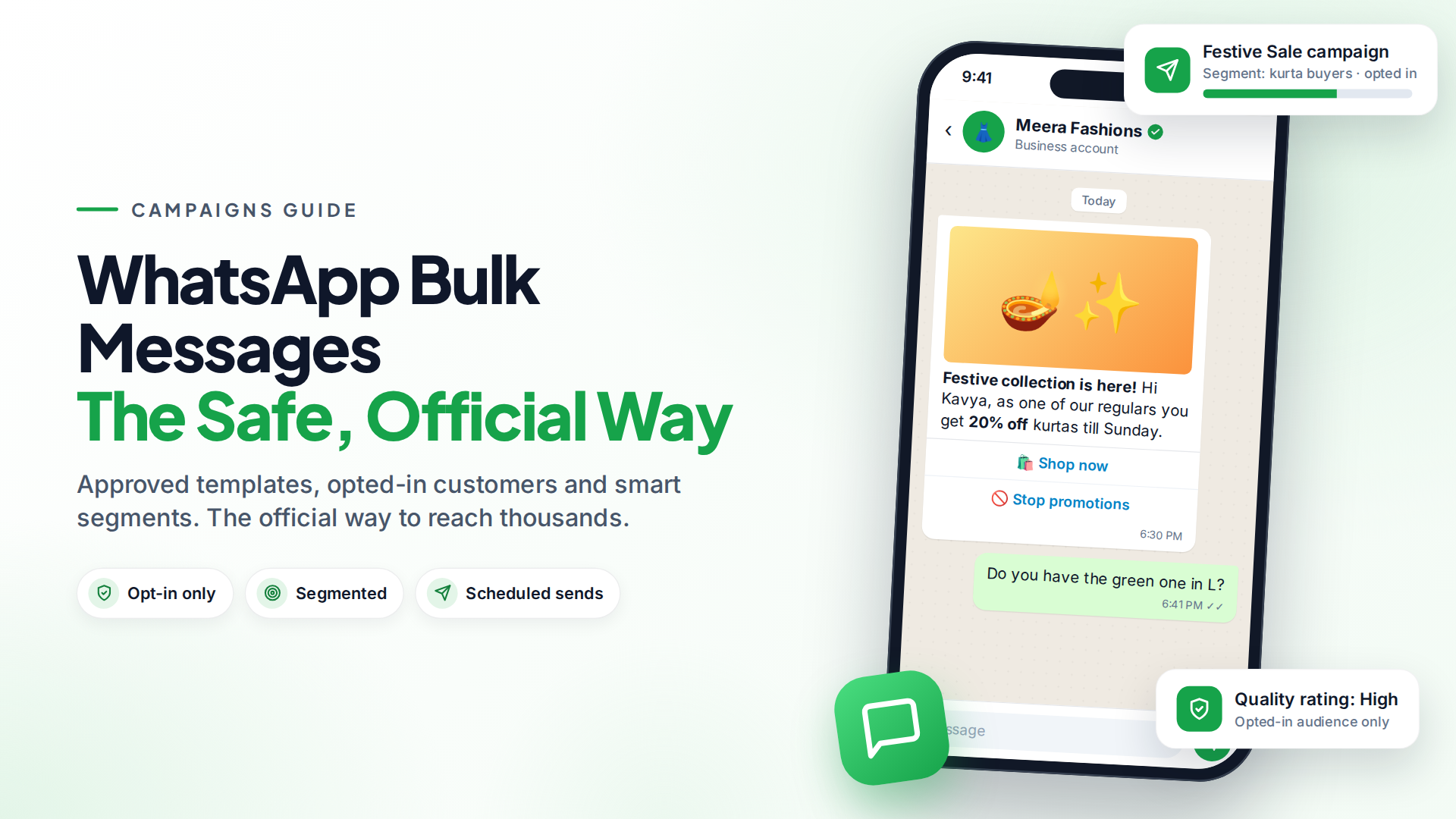
The safe way to send WhatsApp bulk messages is through the official WhatsApp Business Platform (the API), using message templates Meta has approved and sending only to people who agreed to hear from you. Unofficial "bulk sender" tools and browser extensions break WhatsApp's terms and are the most common reason business numbers get banned.
On the API there's no fixed list size. How many people you can message per day depends on your messaging limit, which starts at 250 unique people per 24 hours and grows as you send good-quality messages.
Why do WhatsApp numbers get blocked for bulk messaging?
Numbers get restricted when WhatsApp sees spam-like behaviour: messages to people who don't know you, lots of blocks and reports, or automation through unofficial tools. Meta monitors your quality rating, which is based on how people react to your messages. It can limit your sending when quality stays low (Meta opt-in guidance).
The fix isn't a trick. It's sending wanted messages, through the official channel, to people who opted in.
WhatsApp Business app broadcasts vs the API
The free WhatsApp Business app has broadcast lists, but they're small and limited:
| WhatsApp Business app broadcast | WhatsApp Business Platform (API) | |
|---|---|---|
| Recipients per send | Up to 256 per list (WhatsApp Help) | Up to your messaging limit (250 → 2,000 → 10,000 → 100,000 → unlimited per day) |
| Who receives it | Only people who saved your number | Anyone who opted in, even if they haven't saved your number |
| Message format | Any text | Approved templates for business-initiated messages |
| Cost | Free | Meta charges per delivered template |
| Scheduling, segments, reports | No | Yes, with a campaign tool |
| Team access | One phone plus linked devices | Many agents |
The app is fine for a small shop messaging a few hundred loyal customers. Once your list grows, or you need personalisation and results tracking, the API is the right tool. Our WhatsApp Business app vs API guide goes deeper.
How WhatsApp messaging limits work
A messaging limit is the number of unique people you can start conversations with, using templates, in a rolling 24 hours. According to Meta's documentation:
- New business portfolios start at 250 unique people per 24 hours.
- You can reach 2,000 by verifying your business, or by sending 2,000 delivered template messages to unique people outside customer service windows within 30 days with high-quality templates.
- After that, limits rise automatically to 10,000, 100,000 and then unlimited. You need good quality and to have used at least half your current limit in the last 7 days. Increases happen within about 6 hours.
- Limits are shared across your business portfolio. Adding another phone number doesn't add another allowance. All your numbers share one pool.
Replies to customers who messaged you first don't count toward this limit.
What do WhatsApp bulk messages cost?
Promotional broadcasts use marketing templates. Meta charges per delivered message, at a rate set by the recipient's country (Meta pricing). Marketing is usually the most expensive category, so it's worth sending to the right people rather than everyone.
Worked example (hypothetical). A clothing store sends a festive sale message to 5,000 opted-in customers in one country. That's 5,000 marketing templates. Multiply by that country's marketing rate on Meta's rate card to get the Meta cost, before any platform subscription.
Two ways to spend less:
- Segment. Send the sale on kidswear to parents who bought kidswear, not your whole list.
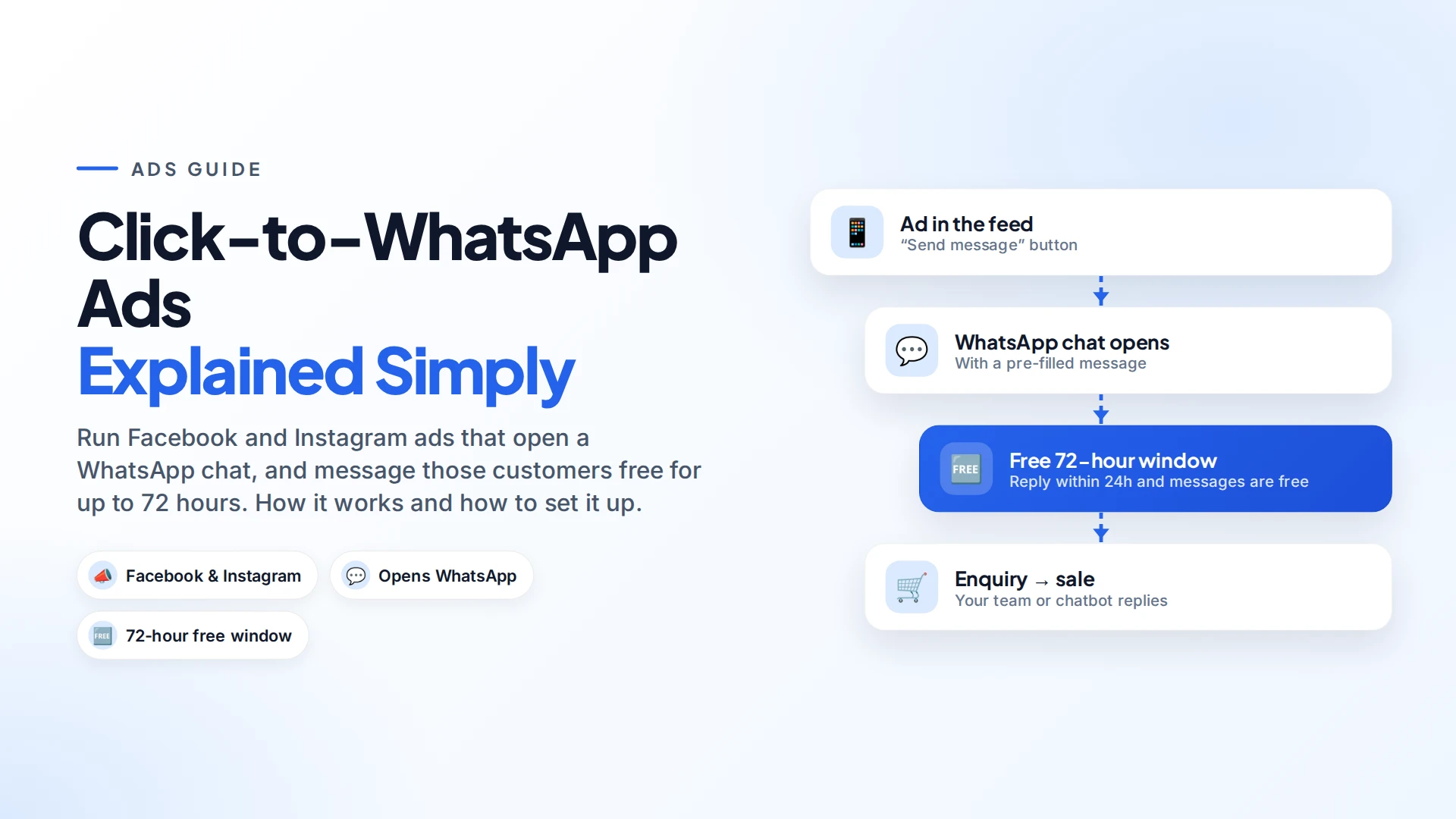
- Use Click-to-WhatsApp ads for new customers. Conversations started from these ads open a 72-hour window in which your messages are free (Meta pricing).
For all the billing details, including the 1 October 2026 change to service messages, see our WhatsApp API pricing guide.
How to send WhatsApp bulk messages, step by step
- Get on the API. Connect your business number to the WhatsApp Business Platform through a provider.
- Collect opt-in. Use a website checkbox, a checkout option, a form, or a "Reply YES to get offers" message. Meta requires the opt-in to say clearly that people will get messages from your business, and to name it (Meta opt-in guidance).
- Import and tag contacts. Upload your list and mark who opted in. Tag people by interest, location or purchase history.
- Create a template. Write it, choose the Marketing category and submit it for approval. Our guide to getting templates approved helps you avoid rejections.
- Build the audience. Pick a segment or tag and preview who will receive it.
- Send a test to your own number and check links, images and variables.
- Schedule it for a time your customers are awake and not working, often early evening.
- Watch the results: delivered, read, failed and replies. Answer the replies quickly, because that's where the sales happen.
Omni's campaigns follow these steps. You pick a segment, tag, selected contacts or CSV as the audience, preview it, send a test and send now or schedule. Contacts who haven't opted in are skipped automatically.
Messages are sent at a steady pace rather than all at once, and you can pause a campaign and relaunch it without re-sending to people who already got it.
Each recipient's status is tracked, and replies come into your team inbox. The same campaign tool can also send SMS through your own SMS provider, or email through your own SMTP server.
How to keep your quality rating high
- Only message people who opted in. This matters more than anything else.
- Make it relevant. Segment by interest and purchase history.
- Don't send too often. For most businesses, one or two marketing messages a week at most. Many do fewer.
- Offer an easy way out. Add a "Stop promotions" quick-reply button, and honour it.
- Make it personal. Use the customer's name and something relevant to them.
- Start slowly with a new number. Send to your most engaged customers first, then grow.
- Watch your blocks. If a campaign gets unusually many blocks, stop and rethink before the next one.
Common mistakes to avoid
- Using unofficial bulk-sender tools or WhatsApp Web extensions. They put your number at risk of a ban.
- Buying contact lists. Those people never agreed to hear from you, so expect blocks and reports.
- Sending the same blast to everyone. It costs more and annoys people it doesn't fit.
- Ignoring replies. A broadcast is the start of conversations, not the end of the job.
Sources
Frequently asked questions
How many people can I message at once on WhatsApp?
With the WhatsApp Business app, up to 256 per broadcast list, and only people who saved your number receive it. On the API, your daily limit starts at 250 unique people and can grow to 2,000, 10,000, 100,000 and unlimited.
Is sending bulk messages on WhatsApp legal?
Yes, when you use the official WhatsApp Business Platform, approved templates and customers' opt-in. You should also follow local marketing and privacy laws where your customers live.
Why was my WhatsApp number banned after sending bulk messages?
Usually because of unofficial bulk-sending tools, messaging people who didn't opt in, or many blocks and reports. On the API, low quality leads to sending limits before anything more serious.
Do people need to save my number to get API messages?
No. On the WhatsApp Business Platform, anyone who opted in can receive your template messages, whether or not they saved your number.
How do I increase my WhatsApp messaging limit?
Verify your business in Meta Business Manager to reach 2,000 per day. After that, keep your quality high and use at least half your current limit over 7 days, and Meta raises it automatically.
- #whatsapp bulk messages
- #whatsapp broadcast
- #campaigns
- #messaging limits
- #whatsapp marketing
The Omni Team
The Omni team builds the shared inbox, AI chatbots and automation tools businesses use to talk to customers on WhatsApp, Instagram and Messenger.
Put this into practice with Omni
One inbox for WhatsApp, Instagram and Messenger, with AI chatbots, campaigns and automation. Start on the free plan.