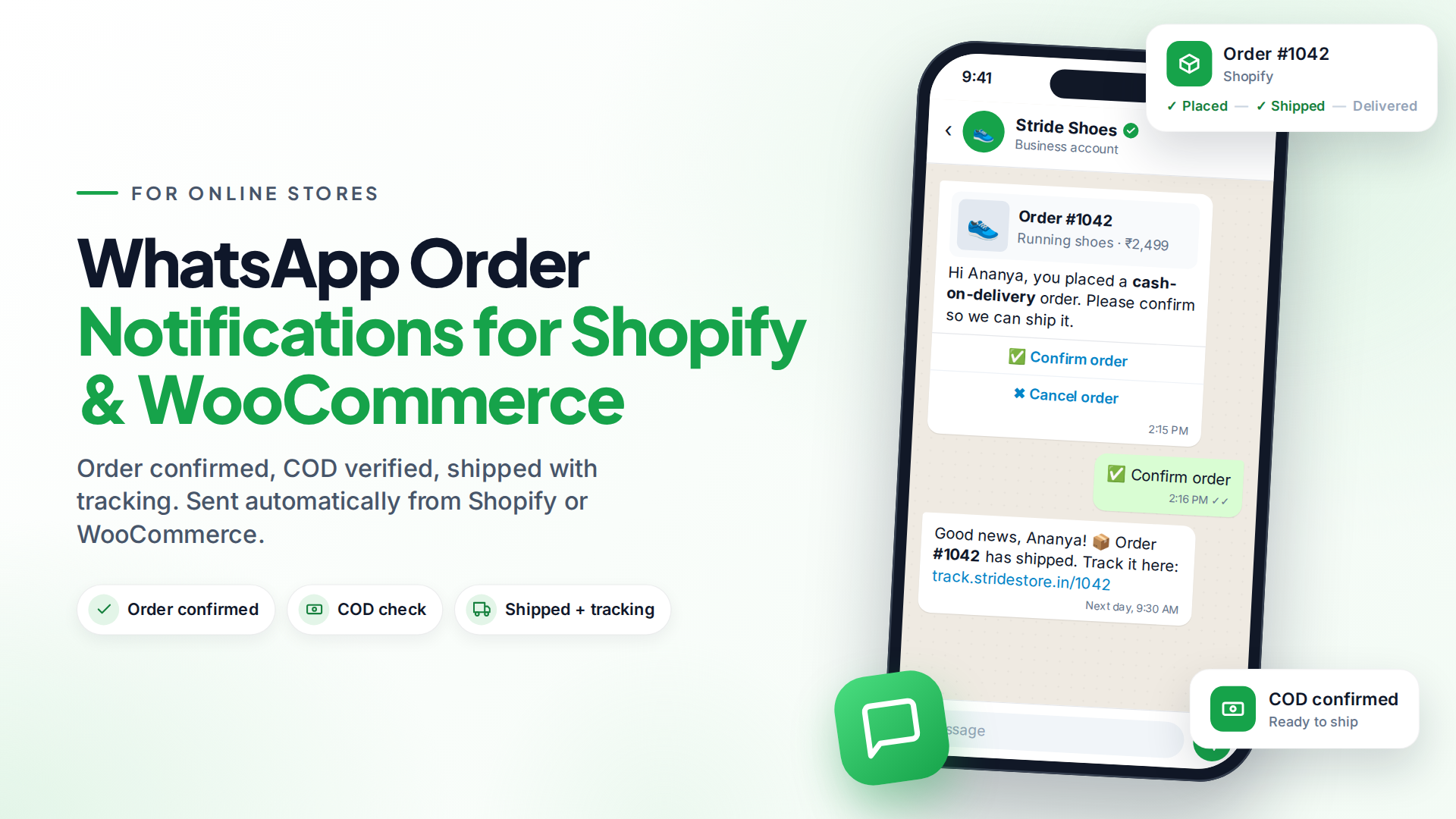
WhatsApp order notifications are automatic messages that tell a customer their order is confirmed, shipped and delivered, sent the moment each thing happens in your store. They answer "Where is my order?" before the customer asks, which cuts support chats and builds trust.
To send them automatically, you need the official WhatsApp Business Platform (the API), approved utility templates (Meta's category for transactional updates) and a connection between your store and your messaging tool. Most shops need just four or five messages.
Which order notifications should you send?
Start with the messages customers care about most. This set covers most stores:
| Notification | Sent when | Why it matters |
|---|---|---|
| Order confirmation | Order is placed | Reassures the buyer that payment and order went through |
| COD confirmation | Cash-on-delivery order is placed | Lets the buyer confirm before you ship, which cuts refused deliveries |
| Shipped, with tracking | Order is fulfilled | Removes most "where is my order?" questions |
| Out for delivery / delivered | Courier status changes | Makes sure someone is home to receive it |
| Cancellation or refund | Order is cancelled | Stops confusion and chargebacks |
You don't need all of them on day one. Confirmation plus "shipped with tracking" gives you most of the benefit.
Why WhatsApp instead of email or SMS?
Email is free but easy to miss. Order emails often land in a promotions or spam folder. SMS is read quickly, but it's one-way and has no buttons.
WhatsApp gives you both: people open it, and they can reply. If a customer answers "Can you change the address?", it arrives in your inbox as a normal chat and your team can help straight away.
The trade-off is cost and setup. WhatsApp messages are charged by Meta, and templates must be approved first. Many stores keep email for receipts and use WhatsApp for the updates people actually wait for.
Sample order notification templates
Adapt these and submit them as Utility templates. {{1}}, {{2}} and so on are variables filled in for each order.
Order confirmation
Hi {{1}}, thanks for your order {{2}} from {{3}}! Total: {{4}}. We'll message you here when it ships.
COD confirmation (with buttons)
Hi {{1}}, you placed a cash-on-delivery order {{2}} for {{3}}. Please confirm so we can ship it. Buttons: Confirm order · Cancel order
Shipped with tracking
Good news, {{1}}! Your order {{2}} has shipped. Track it here: {{3}}
Cancellation
Hi {{1}}, your order {{2}} has been cancelled. If you paid online, your refund of {{3}} is on its way. Reply here with any questions.
Keep these messages purely about the order. Adding a discount code or "you might also like" turns them into marketing, and Meta may re-categorise the template (template categories explained).
COD confirmation: the notification that saves the most money
In markets where cash on delivery is common, such as India and parts of the Middle East and Southeast Asia, orders refused at the door cost you shipping both ways. Asking the buyer to confirm on WhatsApp before you ship filters out many fake or impulse orders.
A simple flow:
- Order placed with COD → send the COD confirmation template with Confirm and Cancel buttons.
- Buyer taps Confirm → tag the order as confirmed and ship.
- Buyer taps Cancel → cancel it in your store.
- No reply after a few hours → send one reminder, or have your team call.
How much do WhatsApp order notifications cost?
Meta charges per delivered template message. The price depends on the category and the country of the customer's phone number (Meta pricing). Order updates are utility messages, which usually cost less than marketing, and volume tiers lower the rate as your monthly volume grows.
Note one change: from 1 October 2026, Meta also charges for service replies and for utility templates sent inside the 24-hour customer service window (Meta's update). So combine updates where you can, rather than sending three messages where one will do.
Worked example (hypothetical). A store shipping 1,000 orders a month that sends a confirmation and a shipping update sends about 2,000 utility templates. Multiply that by the utility rate for your main country on Meta's rate card. Compare it with the support time saved and the COD returns avoided.
Our WhatsApp API pricing guide explains the details.
How to set up WhatsApp order notifications
- Connect WhatsApp through the API. You need a business number on the WhatsApp Business Platform, not the free app. Our app vs API comparison explains the difference.
- Collect opt-in at checkout. Add a checkbox such as "Send me order updates on WhatsApp from [store name]". Meta requires opt-in that names your business (Meta opt-in guidance).
- Get your templates approved. Submit the confirmation, shipping and COD templates as Utility.
- Connect your store. Link Shopify, WooCommerce or BigCommerce so order events flow in automatically.
- Build one automation per event. Order placed → send confirmation. Order fulfilled → send shipping update.
- Test with a real order to your own number, then switch it on.
In Omni, you connect your store under E-commerce, and the automation builder has Order placed, Order fulfilled, Order cancelled and Cart abandoned triggers.
Order details such as the order number, total and store name can go straight into your template.
For Shopify orders, the tracking link and number from the fulfilment are passed through too. WooCommerce doesn't include tracking in its standard order data, so for Woo stores you'd link to your own tracking page instead.
Handle the replies, not just the notifications
Order updates invite replies: "Can I change the size?", "I won't be home Tuesday." Plan for them:
- Show the order next to the chat so agents don't have to open the store admin. Omni shows a customer's orders in the inbox's contact panel.
- Let a chatbot answer "where is my order?" using real order data, and hand anything else to your team. See our AI chatbot guide.
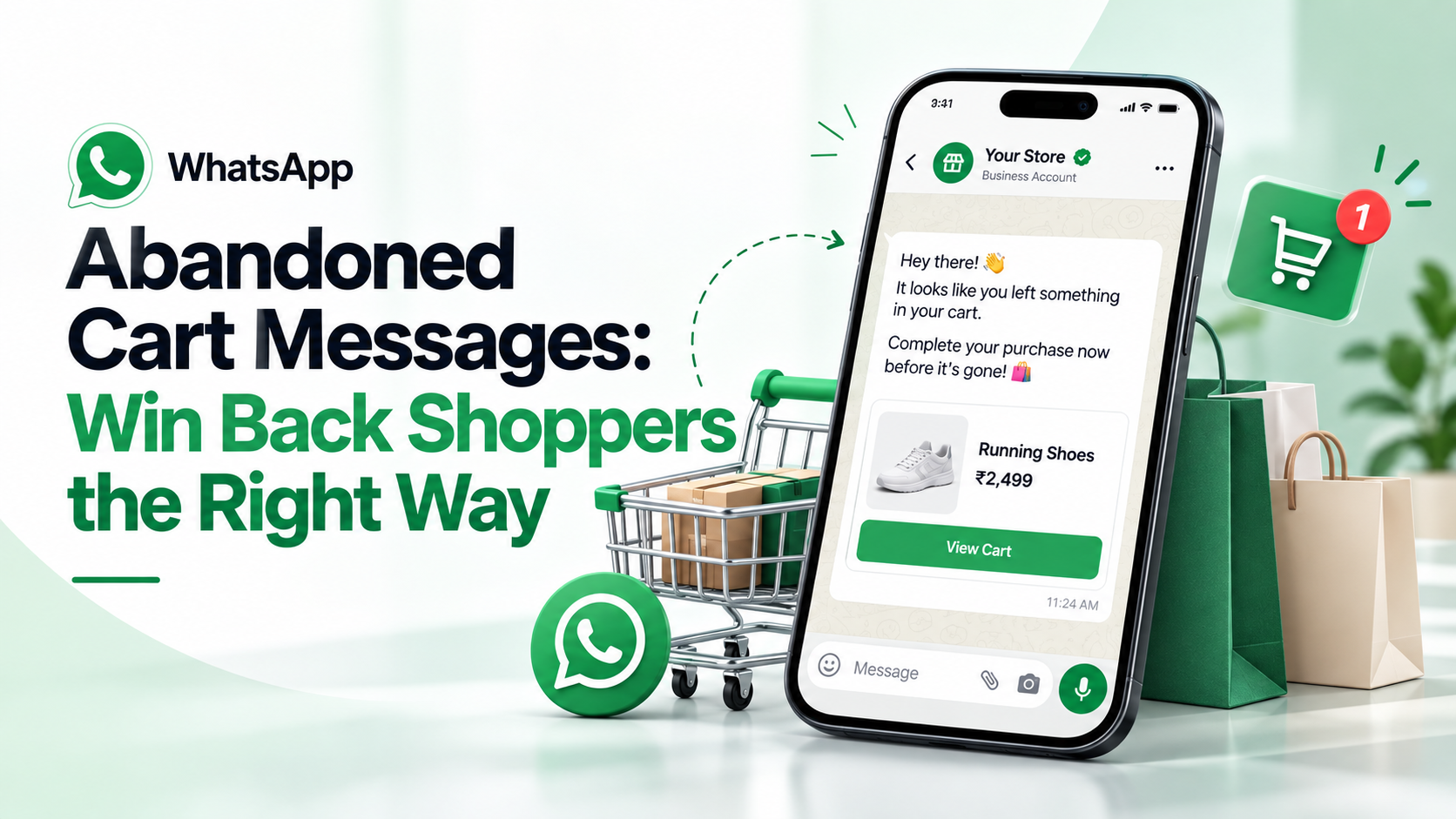
- Recover lost sales too. The same store connection powers abandoned cart reminders on WhatsApp.
Common mistakes to avoid
- Messaging without opt-in. It leads to blocks and reports, which can limit how many people you can message.
- Sneaking promotions into utility templates. They get re-categorised as marketing and cost more.
- Sending every tiny status change. "Label created", "in transit", "at hub" is too much. Stick to the moments customers care about.
- Nobody watching replies. An update that gets a question and no answer does more harm than no update.
Sources
Frequently asked questions
Does Shopify send WhatsApp order notifications by itself?
Shopify's built-in notifications go out by email and SMS. To send order updates on WhatsApp automatically, you connect your store to a WhatsApp Business Platform tool that listens for order events.
Are order updates marketing or utility messages on WhatsApp?
Pure order updates such as confirmations, shipping and delivery are utility messages. If you add offers or product suggestions, Meta may classify the template as marketing.
Can I send order updates without the customer's permission?
No. Meta requires opt-in that names your business before you message someone. A checkbox at checkout is the usual way to collect it.
How do I reduce cash-on-delivery returns with WhatsApp?
Send a COD confirmation message with Confirm and Cancel buttons right after the order is placed, and only ship confirmed orders. Follow up once, or call, if there is no reply.
Can customers reply to WhatsApp order notifications?
Yes. Replies arrive in your inbox as normal chats, so your team or a chatbot can help with address changes, delivery times and other questions.
- #order notifications
- #shopify
- #woocommerce
- #whatsapp templates
- #ecommerce
The Omni Team
The Omni team builds the shared inbox, AI chatbots and automation tools businesses use to talk to customers on WhatsApp, Instagram and Messenger.
Put this into practice with Omni
One inbox for WhatsApp, Instagram and Messenger, with AI chatbots, campaigns and automation. Start on the free plan.