The best WhatsApp CRM for a dental clinic in India is one built on the official WhatsApp Business Platform that gives your whole team one shared inbox, sends confirmations and reminders automatically, keeps each patient's chat history in one place and costs a predictable amount each month. There's no single winner for every clinic. A one-chair practice, a 3-branch group and a clinic that already runs full practice software need different tools.
This guide gives you a checklist, a fair comparison of common options with prices checked in October 2026, and a worked cost example in rupees.
Key points
- "WhatsApp CRM" usually means a shared WhatsApp inbox plus contacts, tags, automation and campaigns. It's not the same as clinic or EMR software.
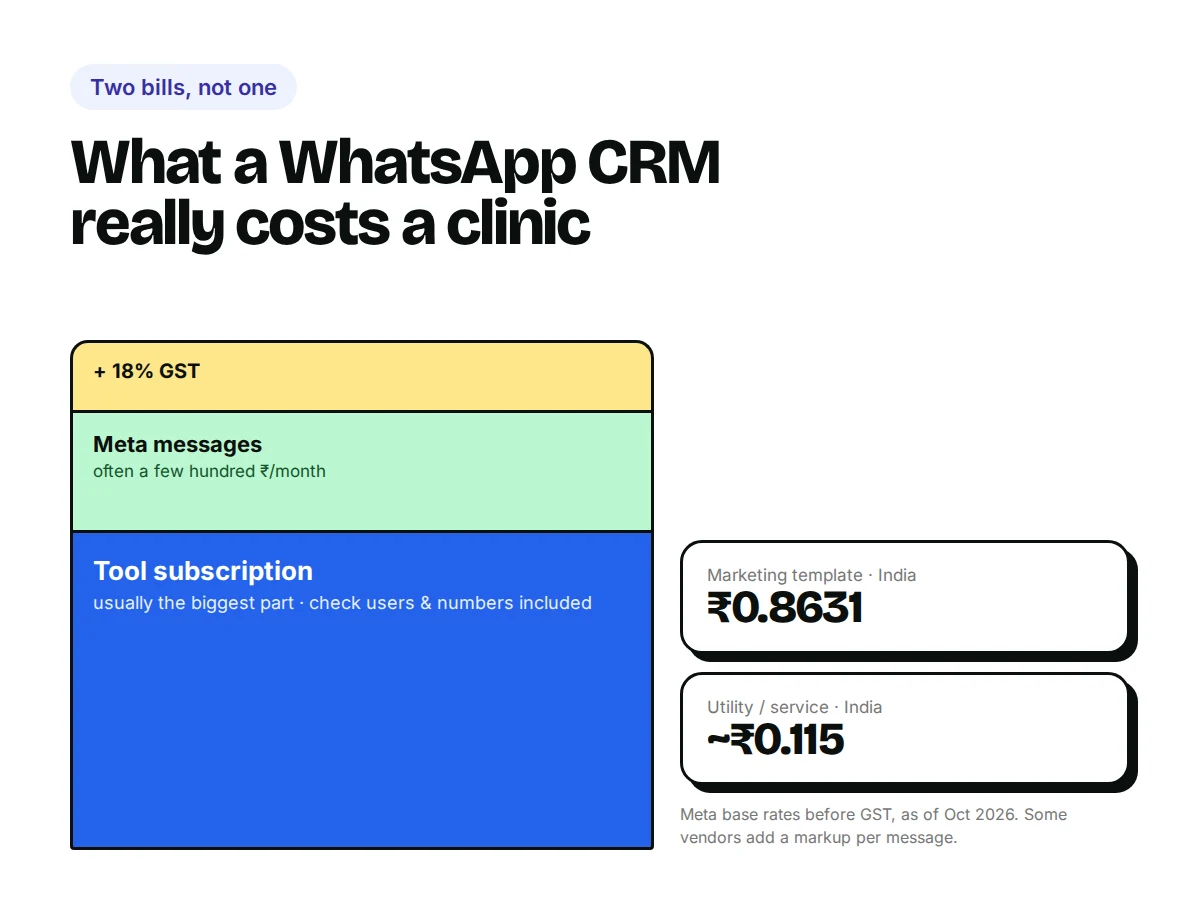
- Every option charges you two things: the tool's subscription, and Meta's per-message charges (sometimes with a markup).
- Ask any vendor how it connects to your appointment system before you buy. That's where most clinic setups break.
What is a WhatsApp CRM for a dental clinic?
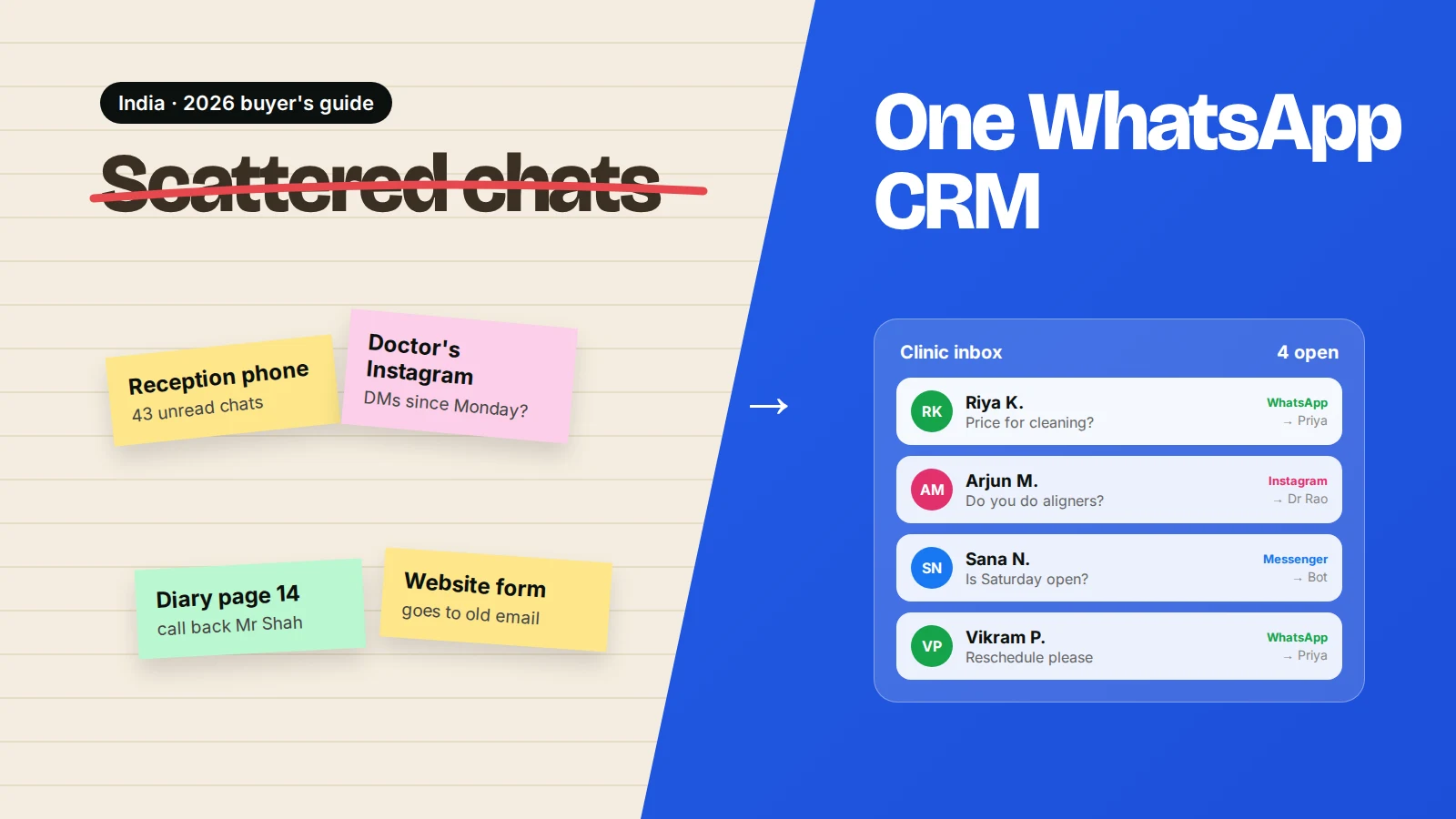
A WhatsApp CRM is software that connects your clinic's WhatsApp number to a team inbox and a patient list, so several people can reply, every chat is saved against the patient, and routine messages go out automatically.
CRM stands for customer relationship management. For a clinic it answers simple questions: Who enquired this week? Who hasn't booked yet? Who is due for a check-up? Who is talking to this patient right now?
It is different from dental practice management software, which handles charts, treatment plans, X-rays, billing and the appointment book. Many clinics use both: practice software for clinical records, a WhatsApp CRM for conversations.
Which features does a dental clinic actually need?
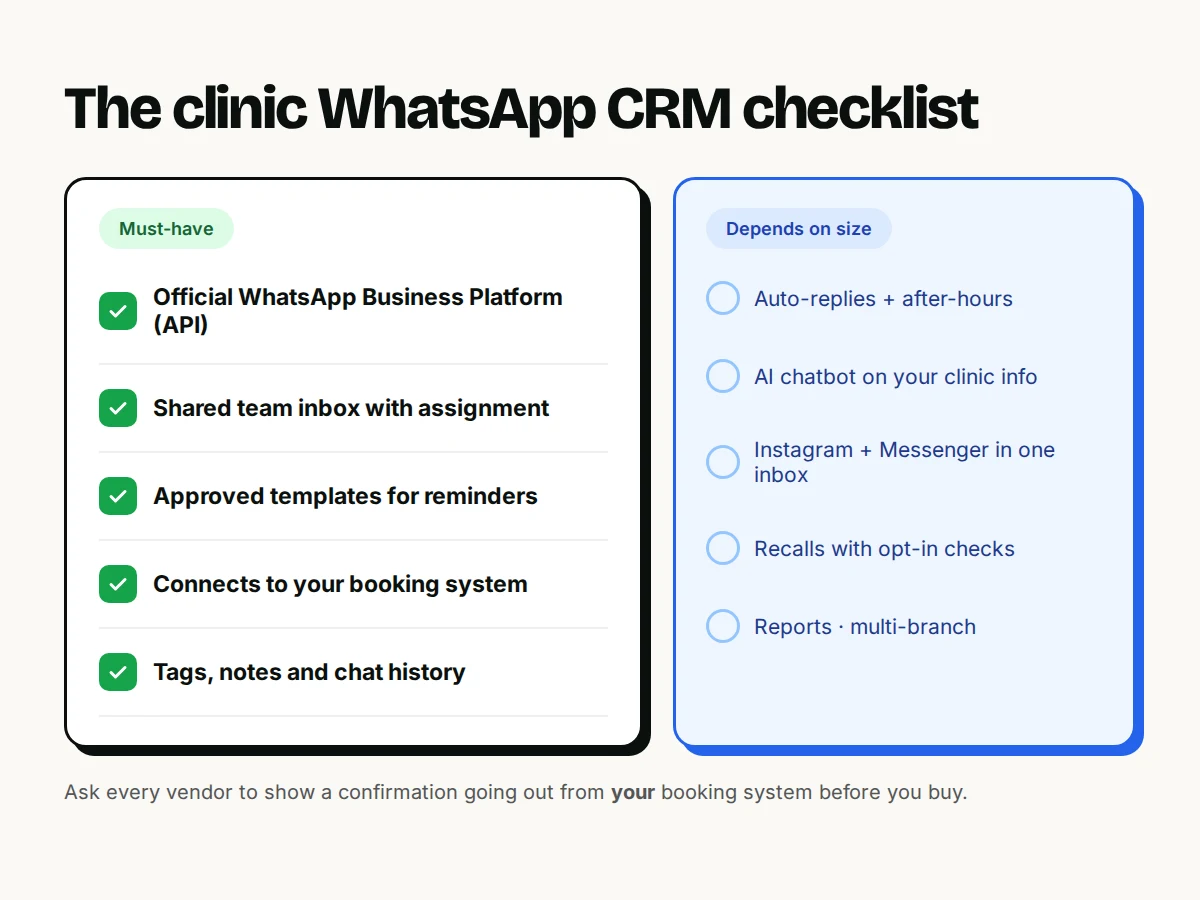
Use this checklist. The first five are must-haves. The rest depend on your size.
| Feature | Why it matters for a clinic | Must-have? |
|---|---|---|
| Official WhatsApp Business Platform (API) | Several staff on one number, automation, no ban risk from unofficial tools | Yes |
| Shared team inbox with assignment | Receptionist, doctor and coordinator can see who's handling each chat | Yes |
| Approved templates for reminders | Needed to message a patient after 24 hours of silence | Yes |
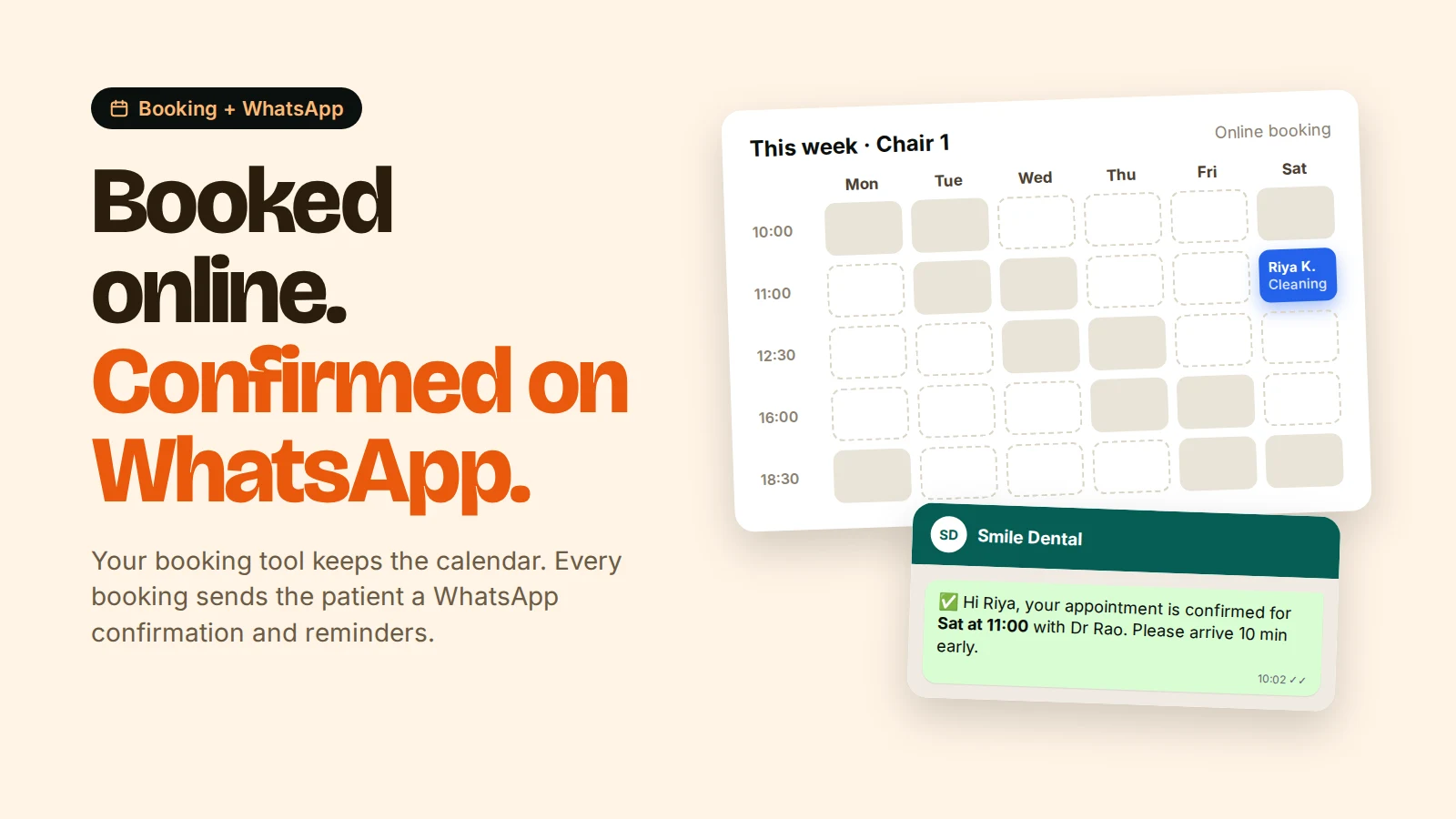
| Booking-system connection (webhook or integration) | Confirmations and reminders go out without retyping | Yes |
| Tags, notes and chat history per patient | Know who is a new enquiry, who booked, who went quiet | Yes |
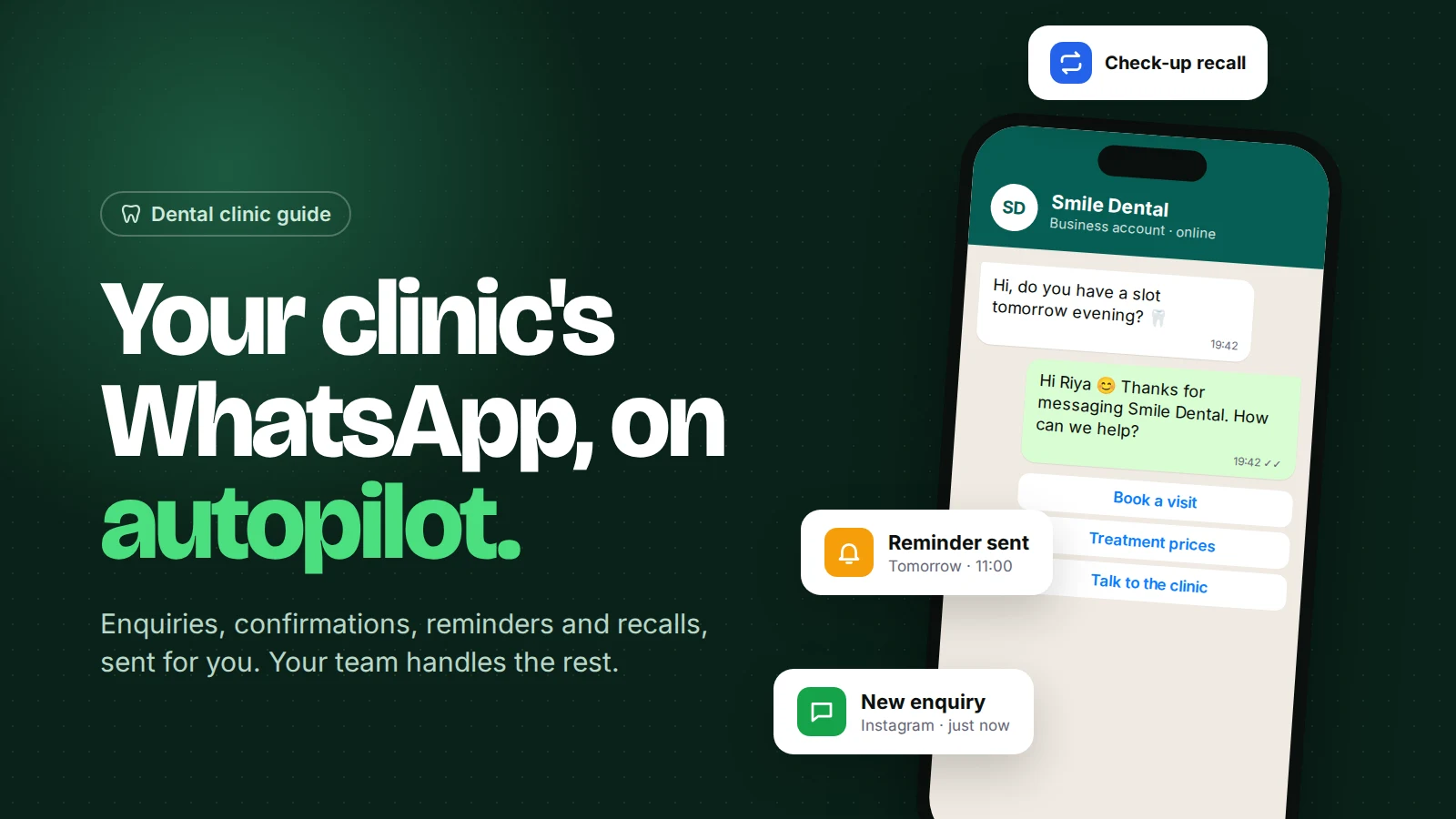
| Auto-replies and after-hours message | Patients get an answer at 10 pm | Strongly recommended |
| AI chatbot trained on your clinic's info | Answers timings, location, treatments, payment questions | Nice to have |
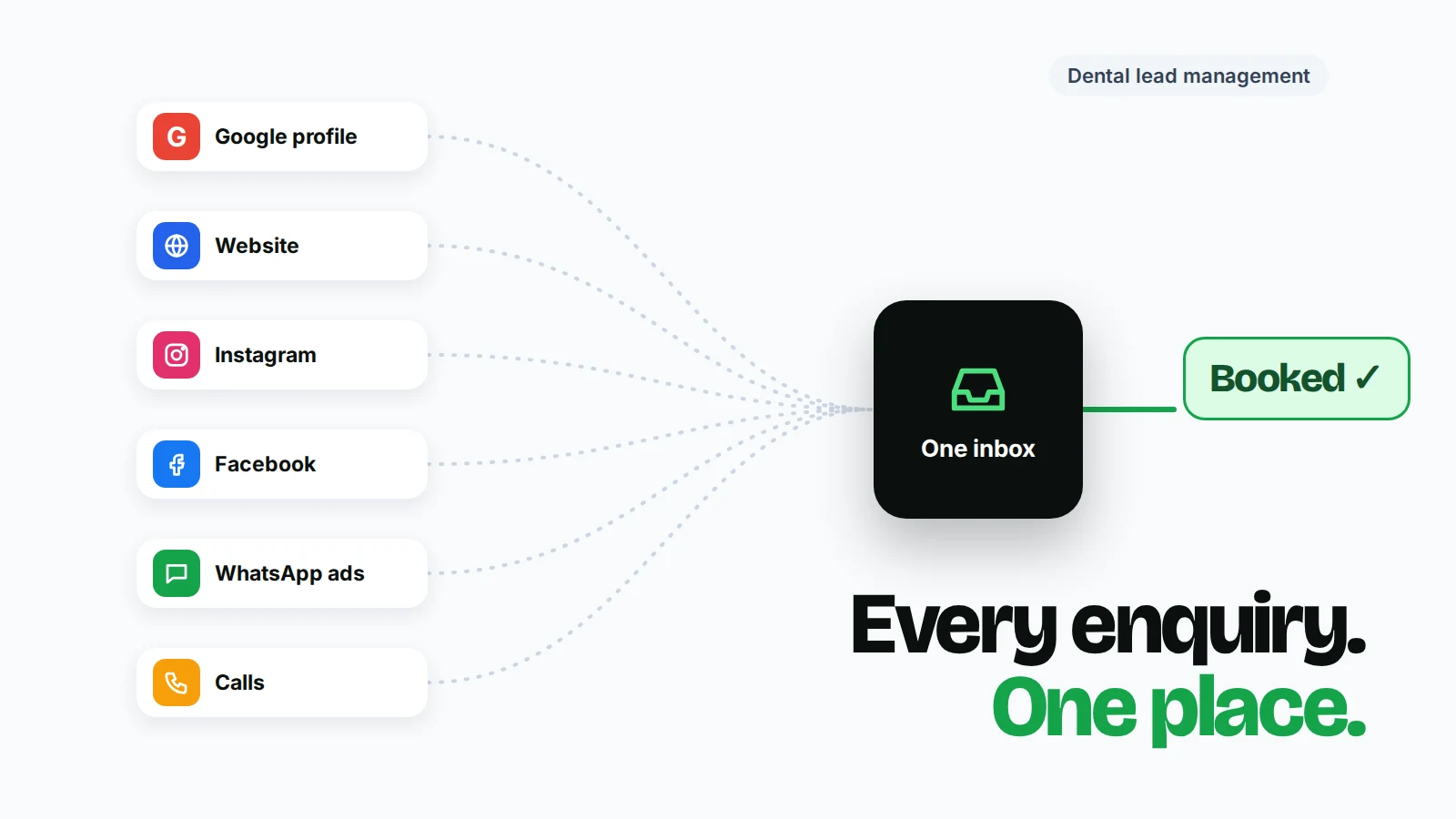
| Instagram and Facebook Messenger in the same inbox | Many young patients DM on Instagram first | Nice to have |
| Campaigns and recalls with opt-in checks | 6-month check-up reminders, festive offers | Nice to have |
| Reports (response time, chats per staff member) | Spot slow replies and busy hours | Nice to have |
| Multi-branch support | Separate numbers or teams per branch | Only for groups |
Avoid unofficial "WhatsApp bulk sender" tools that run on a normal WhatsApp account through a browser extension. They break WhatsApp's terms and numbers get banned, often taking years of patient chats with them.
What are the main options for clinics in India?
There are three types of tool: general WhatsApp API platforms, dental practice software with WhatsApp features, and multi-channel inbox-and-automation platforms. Here's how some common choices compare, using each vendor's public pricing page on 7 October 2026.
| Tool | Type | Starting price (public page) | Message charges | Good fit for |
|---|---|---|---|---|
| AiSensy | WhatsApp API platform | Free Forever plan; paid plans monthly/quarterly/yearly; chatbot builder add-on ₹2,500/mo | Lists ₹1.09 marketing, ₹0.145 utility per message for India | Clinics focused on WhatsApp broadcasts and chatbots |
| Interakt | WhatsApp API platform | Free Starter; Growth ₹2,799/mo + tax | Lists ₹0.958 marketing, ₹0.150 utility (Growth) | Clinics wanting WhatsApp + Instagram with an Indian vendor |
| WATI | WhatsApp API platform | Growth $99/mo; 7-day trial; ₹999 pay-as-you-go single-user plan | Varies by country and category | Larger teams wanting a mature, widely used tool |
| Dental practice software with WhatsApp | Practice management + messaging | Varies, often per chair or per branch | Varies | Clinics that want records, billing and reminders in one system |
| Omni | Multi-channel inbox + automation | Free plan; Starter $19/mo (14-day trial); Growth $49/mo | Billed by Meta to your own WhatsApp Business Account | Clinics wanting WhatsApp, Instagram and Messenger in one inbox with automations |
Prices change often. Confirm on each vendor's page, and ask whether the price includes GST and how many team members and WhatsApp numbers you get.
How to read the table fairly: vendors that list their own per-message rates (like AiSensy and Interakt above) usually include a margin on top of Meta's base rate. That's normal, since they handle billing for you. Platforms where you connect your own WhatsApp Business Account pass Meta's charges through to you directly. Compare the total monthly bill, not one line.
How much does WhatsApp messaging itself cost in India?
As of October 2026, Meta's base rate to an Indian number is about ₹0.86 per marketing template and about ₹0.12 per utility or authentication template, before 18% GST.
Those figures are from Meta's INR rate card as summarised by MyOperator. Meta publishes the official rates on its pricing page. Two details matter for clinics:
- Since 1 October 2026, replies inside the 24-hour window are charged at the utility rate, according to Meta's notice. Before that they were free.
- Chats that start from a Click-to-WhatsApp ad open a 72-hour window in which messages are free, per Meta's pricing page. Useful if you advertise on Instagram or Facebook.
Worked example: a 2-chair clinic in Pune (hypothetical)
Imagine 250 appointments and 400 enquiry chats a month.
| Item | Monthly volume | Approx. Meta cost (₹, before GST) |
|---|---|---|
| Confirmations + day-before reminders (utility) | 500 | ~₹58 |
| Replies in enquiry chats (service, ~5 per chat) | 2,000 | ~₹230* |
| 6-month recall messages (marketing) | 120 | ~₹104 |
| Meta total | ~₹390 + GST |
*Some providers report a monthly free allowance of service messages per number (for example 360dialog reports 1,000). Check your own invoice.
For most clinics, the subscription matters more than the messages. That's why the feature fit is the real decision.
How do you choose the right WhatsApp CRM for your clinic?
Match the tool to how your clinic actually runs, then test it with real patient messages before committing.
- Count your people. How many staff reply to patients? Check how many inbox users each plan includes and the price per extra user.
- Map your booking flow. Where do appointments live: paper, Google Calendar, a website booking form or practice software? Ask the vendor to show a confirmation going out from your system.
- List your channels. If a third of your enquiries arrive on Instagram, a WhatsApp-only tool means two inboxes.
- Check the hand-off. Send "I have severe tooth pain" to the demo bot. A good setup hands that to a person fast.
- Ask who owns the number and data. You should own the WhatsApp Business Account and be able to export contacts if you leave.
- Run a 2-week trial with your real front desk. Measure how fast replies go out and how many chats slip through.
Who should use which type of tool?
- Solo dentist, mostly walk-ins: the free WhatsApp Business app may be enough. See WhatsApp Business app vs API.
- 1–3 chairs, busy front desk, enquiries from Google and Instagram: a multi-channel inbox with automation, connected to your website booking form.
- Large clinic or chain already on full practice software: check its built-in WhatsApp module first, then add a separate inbox only if replies to enquiries are the gap.
- Clinics running heavy promotional broadcasts: a WhatsApp-first marketing platform may suit you, but watch opt-in rules and your quality rating. Our guide to WhatsApp bulk messages explains the limits.
Common mistakes when buying a WhatsApp CRM
- Comparing only the subscription. Add Meta charges, any markup, GST and extra-user fees.
- Buying for features you won't set up. A tool you use fully beats a bigger one you use 10% of.
- Skipping consent. Importing every phone number you've ever had and blasting offers gets numbers restricted. Use our WhatsApp opt-in guide.
- No owner. Someone at the clinic must own templates, tags and the bot's knowledge, or it goes stale in a month.
Where Omni fits
Omni is a shared inbox for WhatsApp, Instagram and Facebook Messenger with auto-replies, an AI chatbot that answers from your clinic's own information, no-code automations and WhatsApp campaigns with opt-in checks. You connect your own WhatsApp Business Account, so Meta bills you directly. It doesn't store clinical records or replace your appointment calendar. It receives bookings from your booking tool by webhook and sends the WhatsApp messages. See the Omni for dental clinics page or compare plans.
Sources
- AiSensy pricing, Interakt pricing, WATI pricing (all checked 7 October 2026)
- Meta — Pricing on the WhatsApp Business Platform
- Meta — Pricing updates for service and utility messages, effective 1 October 2026
- MyOperator — WhatsApp Business API pricing in India 2026
- 360dialog — Service message charging starts October 1, 2026
- WhatsApp Business Messaging Policy
Frequently asked questions
Is a WhatsApp CRM the same as dental practice management software?
No. Practice software manages charts, treatment plans, billing and the appointment book. A WhatsApp CRM manages conversations: a shared inbox, patient tags, automated replies and reminders. Many clinics use both and connect them.
Can I use my existing clinic WhatsApp number with a WhatsApp CRM?
Usually yes. You can move the number to the WhatsApp Business Platform, or, where Meta's coexistence option is available, keep using the WhatsApp Business app on the same number alongside the API.
What is the cheapest way for a small clinic to start?
Several tools, including AiSensy, Interakt and Omni, have free plans. You still pay Meta's per-message charges, which for a small clinic are often a few hundred rupees a month.
Do WhatsApp CRM prices in India include GST?
Often not. Most Indian vendors list prices plus tax, and 18% GST applies to Meta's message charges too. Ask for a full quote before you sign up.
Is it legal to send check-up reminders to old patients on WhatsApp?
Only to patients who agreed to receive messages from you. WhatsApp's Business Messaging Policy requires opt-in, and India's DPDP Rules add consent and notice duties, mostly from May 2027.
- #dental clinics
- #whatsapp crm
- #india
- #clinic software
- #comparison
The Omni Team
The Omni team builds the shared inbox, AI chatbots and automation tools businesses use to talk to customers on WhatsApp, Instagram and Messenger.
Put this into practice with Omni
One inbox for WhatsApp, Instagram and Messenger, with AI chatbots, campaigns and automation. Start on the free plan.