WhatsApp automation for a dental clinic means letting software send the routine messages for you: the instant reply to a new enquiry, booking confirmations, reminders, aftercare instructions and check-up recalls. Your receptionist still handles anything that needs judgement, like pain, pricing questions or rescheduling, but no longer types the same five messages fifty times a day.
This guide shows the 8 automations that matter most for a clinic, what each one looks like, what it costs in India, and the WhatsApp rules you must follow so your number stays healthy.
Key points
- Start with 3 flows: an instant enquiry reply, a booking confirmation and a reminder the day before.
- Use the official WhatsApp Business Platform (the API), not the phone app, once more than one person replies or you want automation.
- Messages you start yourself (reminders, recalls) must be Meta-approved templates and need the patient's opt-in.
- Always give patients a fast way to reach a real person. WhatsApp's policy requires it.
What can a dental clinic automate on WhatsApp?
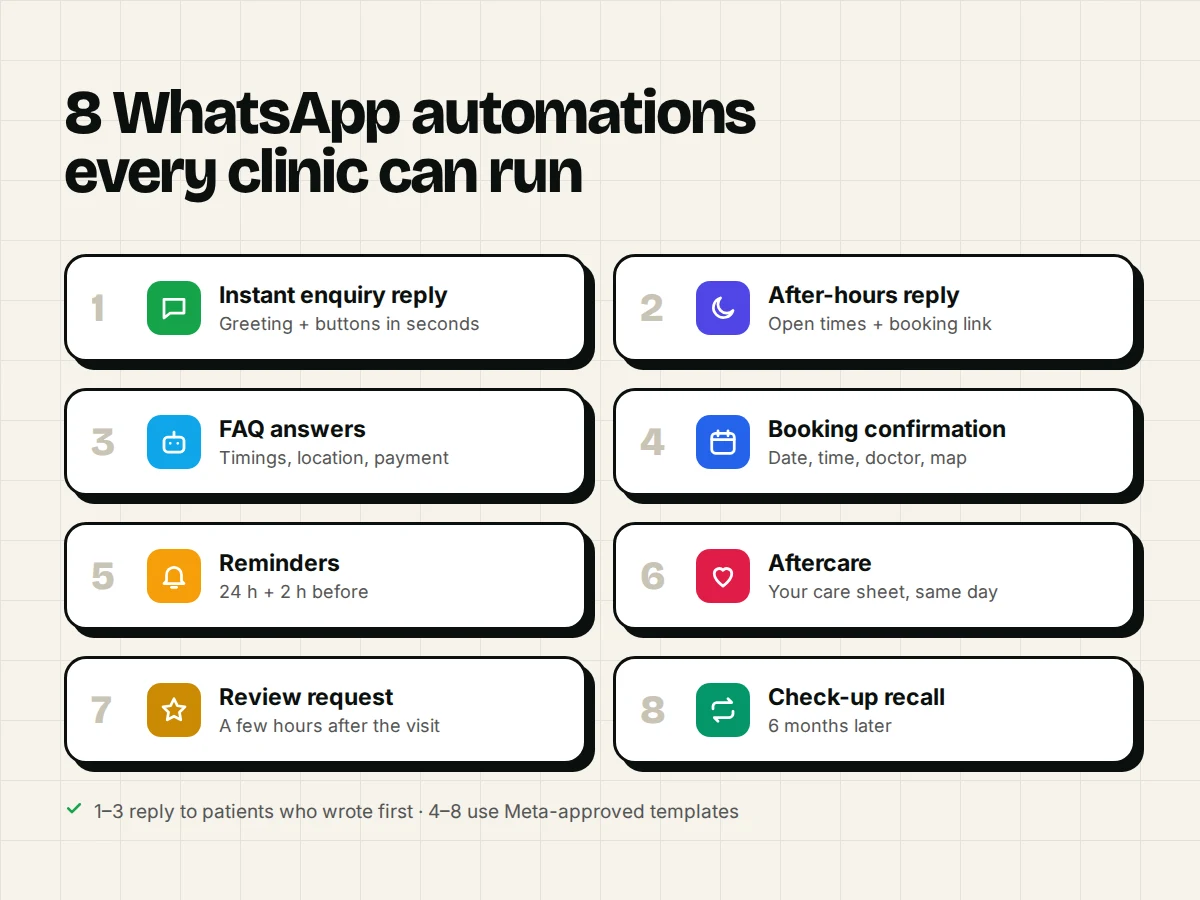
Almost every message your front desk sends on a schedule or from a script can be automated. The ones that need a person are clinical questions, complaints and anything unusual.
| # | Automation | Starts when | What the patient gets |
|---|---|---|---|
| 1 | Instant enquiry reply | A new patient messages you | A greeting, your timings and 3 buttons: Book, Prices, Talk to us |
| 2 | After-hours reply | A message arrives when the clinic is closed | "We're closed now, we'll reply at 9 am. Book online here…" |
| 3 | FAQ answers | A patient asks a common question | Answers on timings, location, parking, payment, treatments |
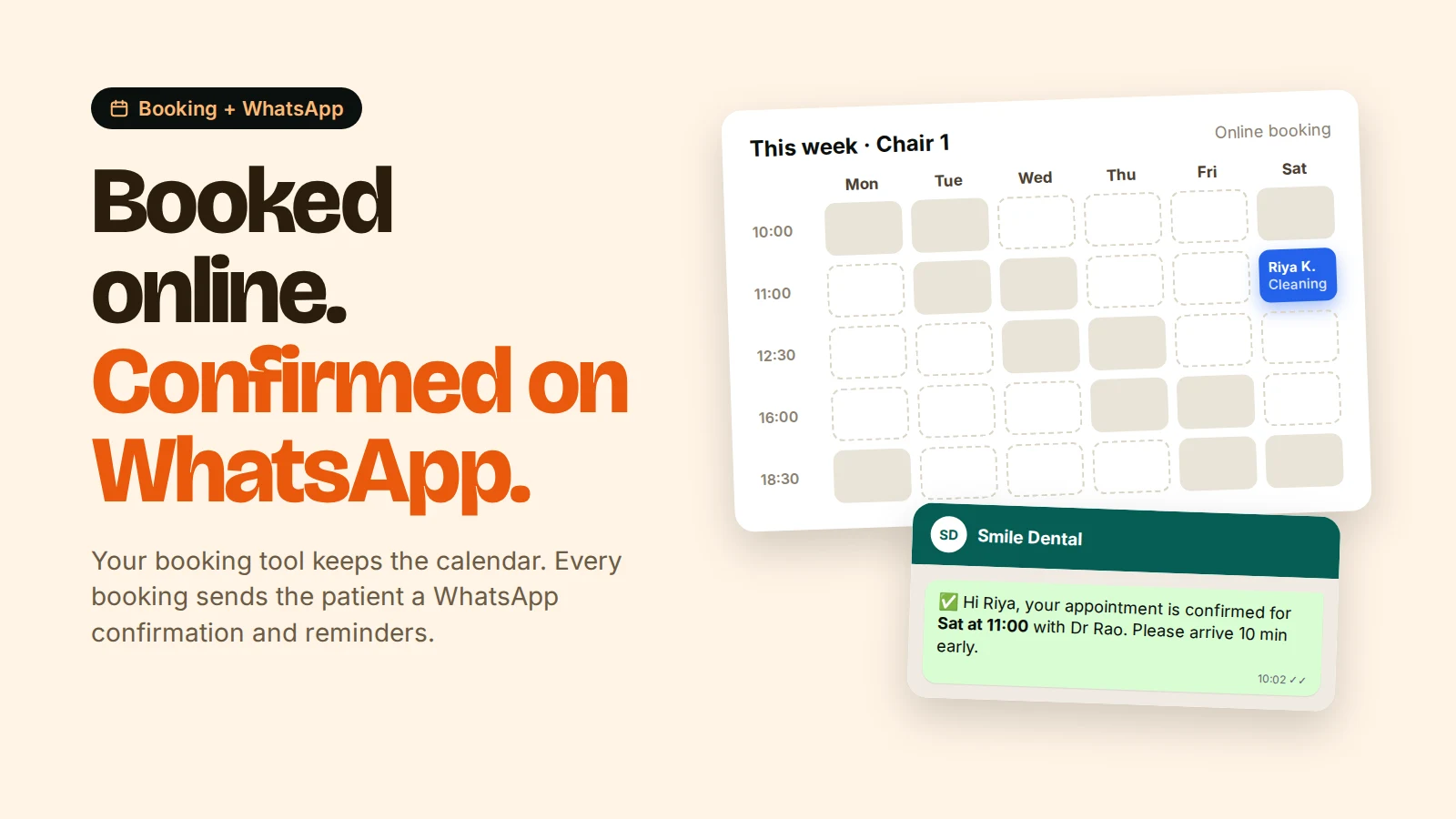
| 4 | Booking confirmation | An appointment is booked | Date, time, doctor, address and a map pin |
| 5 | Appointment reminders | 24 hours and 2 hours before | A reminder with Confirm / Reschedule buttons |
| 6 | Aftercare instructions | After a procedure | Your written care sheet for extraction, scaling, RCT, etc. |
| 7 | Review request | A few hours after the visit | A thank-you and your Google review link |
| 8 | Check-up recall | 6 months after the last visit | "It's time for your check-up. Reply BOOK to pick a slot." |
Flows 1–3 run inside a conversation the patient started. Flows 4–8 are messages you start, so they use approved templates (more on that below).
How does an automated enquiry reply work?
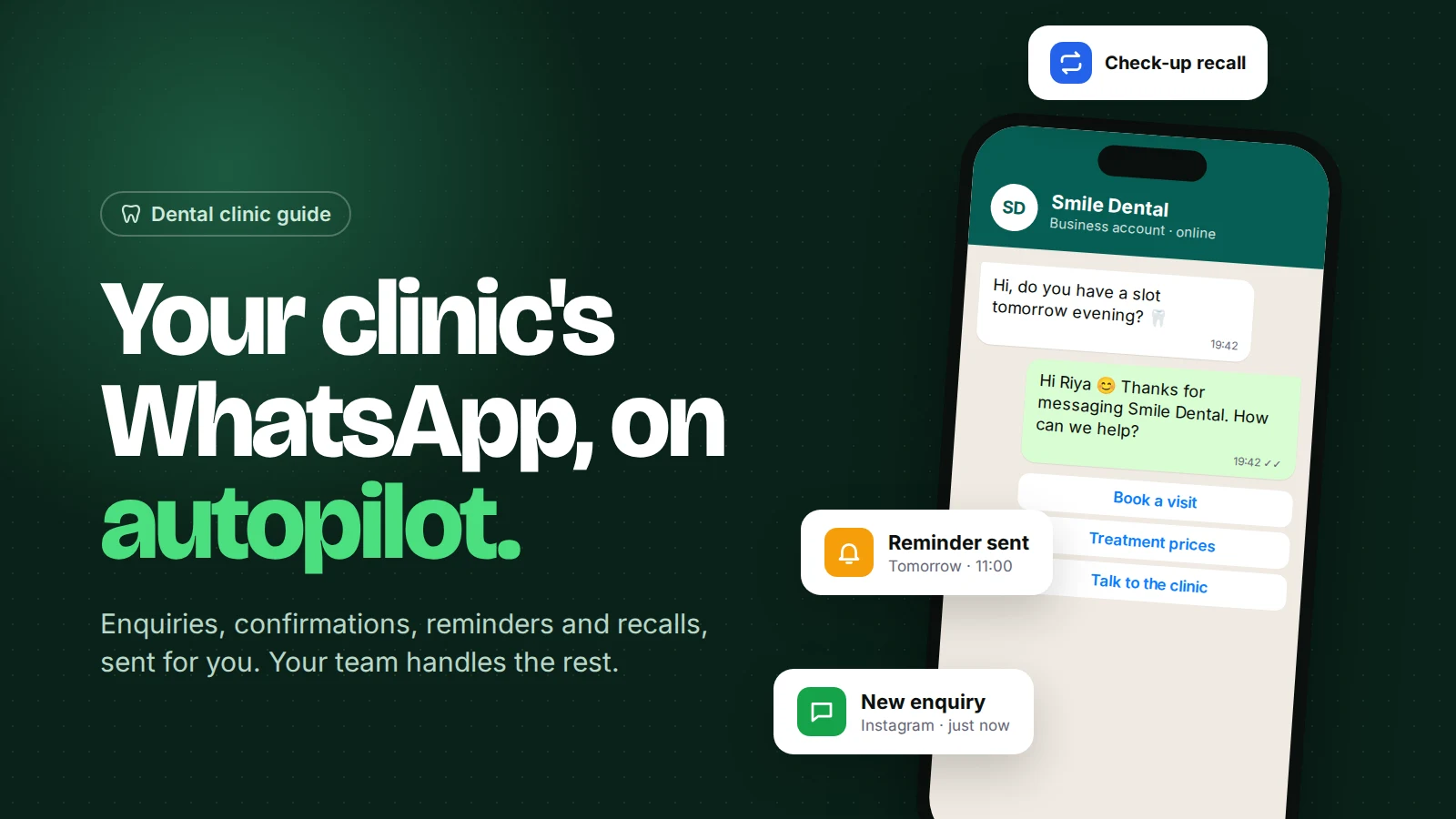
When a new patient writes "Hi, what's the cost of a root canal?", the automation replies in seconds with a greeting and options, then tags the chat so your team can see it's a new enquiry.
A simple version looks like this:
- Trigger: a new contact messages your WhatsApp number.
- Reply: "Hi {{name}}, thanks for contacting Smile Dental 😊 How can we help?" with quick-reply buttons: Book an appointment, Treatment prices, Talk to the clinic.
- Tag the contact
new-enquiry. - Branch on the button they tap: send the booking link, send a price guide, or assign the chat to your receptionist.
This matters because speed decides who gets the patient. A widely cited Harvard Business Review study of 1.25 million sales leads found that companies who contacted a lead within an hour were about 7 times more likely to qualify it than those who waited even one hour longer. The study wasn't about clinics, but anyone who has watched a patient book "the clinic that replied first" knows the pattern.
Keep pricing honest. Many patients ask for prices before anything else. A range ("Scaling and polishing usually costs ₹1,200–₹2,000. The dentist confirms after a check-up.") answers the question without promising a fixed fee for treatment nobody has examined yet.
Can an AI chatbot answer patient questions safely?
Yes, for practical questions (timings, location, treatments you offer, what to bring, payment options), as long as it answers only from information you give it and hands anything clinical to a person.
An AI chatbot reads your clinic's own content, such as a treatment list, an FAQ document or your website, and answers in natural language. Set three rules in its instructions:
- Never diagnose or recommend treatment. For pain, swelling, bleeding or an emergency, give the clinic phone number and offer a person.
- Quote prices only as ranges from your price list.
- If unsure, say so and offer to connect the patient with the team.
WhatsApp's Business Messaging Policy also says that when you use automation you must offer "prompt, clear, and direct escalation paths", such as transfer to a human in the chat, a phone number or a visit. In Omni, phrases like "real person" or "talk to human" switch the chat to your team automatically and notify them. See chatbot to human handover for how to design that hand-off well.
The same policy warns against sending or requesting health information over WhatsApp where local regulations don't allow it. Keep detailed medical history, X-rays and reports in your clinic software, not in chat.
How do appointment confirmations and reminders work?
Your booking system tells your WhatsApp tool that an appointment was made, and the tool sends an approved template with the details, then reminders before the visit.
WhatsApp doesn't know about your diary on its own. The usual setups are:
- Online booking on your website (for example a WordPress booking plugin) sends a webhook, a small automatic message to another system, each time someone books.
- Your clinic software sends the same kind of webhook, if it supports one.
- Manual: your receptionist adds the booking and the confirmation goes out from the inbox.
The reminder that works best for most clinics: one the day before with Confirm and Reschedule buttons, and one 2 hours before for early-morning slots. We cover the full setup, including template wording, in dental appointment booking with WhatsApp and the general guide to WhatsApp appointment reminders.
Which WhatsApp rules apply to clinic automation?
Three rules shape everything: the 24-hour window, approved templates and opt-in.
- The 24-hour customer service window. When a patient messages you, you can reply freely for 24 hours. After that, you can only send a message template.
- Templates. A template is a message format Meta approves in advance, such as "Hi {{1}}, this is a reminder of your appointment on {{2}} at {{3}}." Reminders and confirmations are usually the utility category. Recalls and offers are marketing. Read how to get templates approved before you write yours.
- Opt-in. The policy says you may message people only if they gave you their number and agreed to receive messages from you. Add a line to your booking form and front-desk process: "I agree to receive appointment updates on WhatsApp." Our WhatsApp opt-in guide has examples.
India's Digital Personal Data Protection Rules, 2025 also phase in notice and consent duties, with the main ones applying from 13 May 2027. Clear consent now saves rework later.
How much does WhatsApp automation cost for a clinic in India?
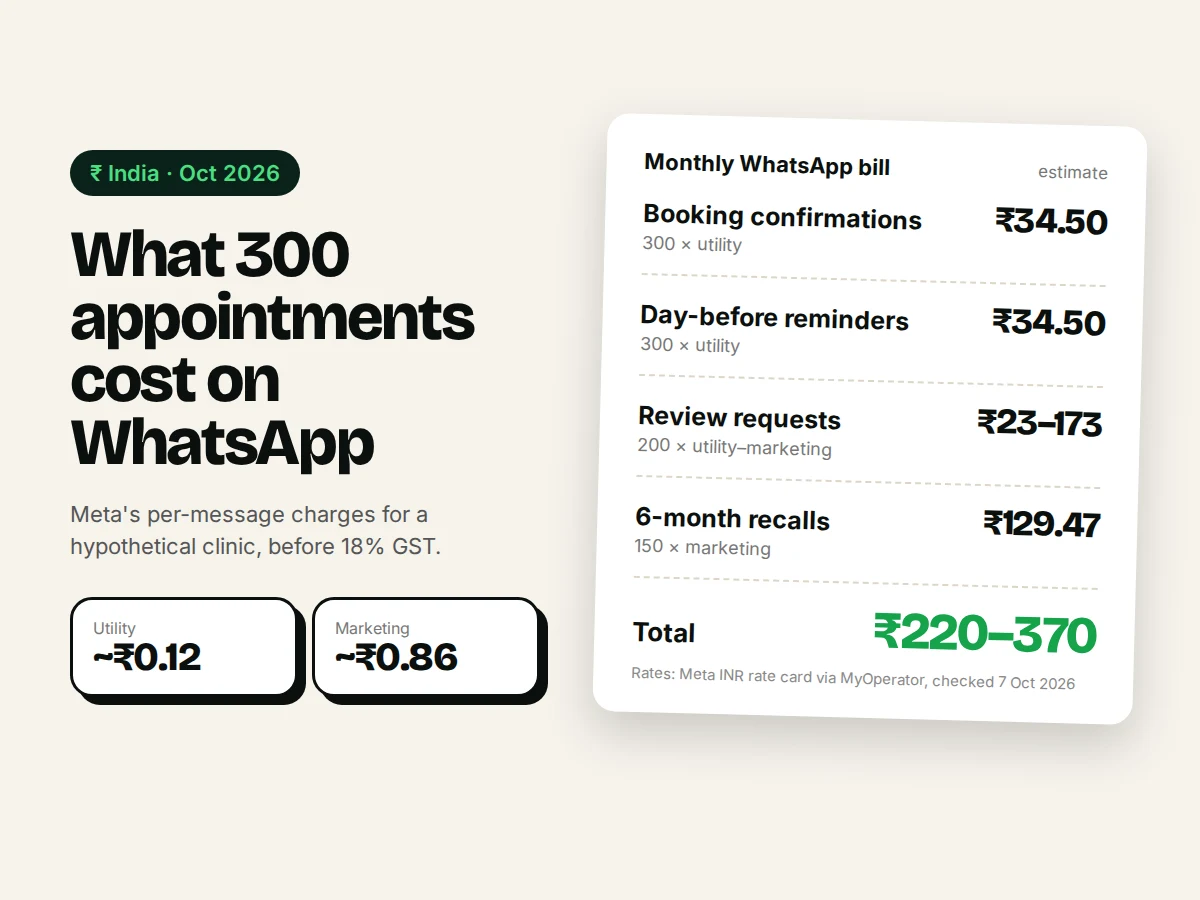
Meta charges per message, and clinic messages are cheap: a utility template to an Indian number costs about ₹0.12 before GST, and a marketing template about ₹0.86, as of October 2026.
Rates come from Meta's INR rate card, as summarised by MyOperator; check Meta's pricing page for current numbers. Since 1 October 2026, Meta also charges for ordinary replies inside the 24-hour window, at the utility rate (Meta's notice). Our WhatsApp API pricing guide explains the details.
Worked example (hypothetical clinic, 300 appointments a month):
| Message | Count | Category | Approx. cost (₹, before GST) |
|---|---|---|---|
| Booking confirmation | 300 | Utility | 300 × 0.115 = 34.50 |
| Reminder, day before | 300 | Utility | 34.50 |
| Review request | 200 | Utility or marketing* | 23 to 173 |
| Recall, 6 months | 150 | Marketing | 150 × 0.8631 = 129.47 |
| Total | about ₹220–₹370 |
*Meta decides a template's category during review. A review request is often classed as marketing.
Add 18% GST and the subscription for the tool you send through. That's the real cost line to compare with one missed appointment.
What should you automate first?
Start with the flows that save the most front-desk time and protect revenue: the instant reply, the confirmation and the day-before reminder. Add the rest once those run smoothly.
- Week 1: connect your number to the WhatsApp Business Platform and switch on the instant reply and after-hours reply.
- Week 2: create and submit confirmation and reminder templates. Connect your booking form.
- Week 3: load your treatment list and FAQ into an AI chatbot, test it on real questions, then switch it on.
- Month 2: add aftercare messages, review requests and 6-month recalls.
Common mistakes clinics make
- Automating without an exit. If a patient in pain gets a menu loop, you lose them and break WhatsApp's escalation rule.
- Sending recalls to everyone in your phonebook. Only message patients who agreed to it. Reports and blocks lower your number's quality rating.
- Too many messages. Confirmation + one reminder is enough for most visits. Three reminders feel like spam.
- Long templates. Patients read on phones. Date, time, doctor, address, one button.
- Letting the bot guess. If your price list or timings change, update the bot's knowledge the same day.
How Omni helps
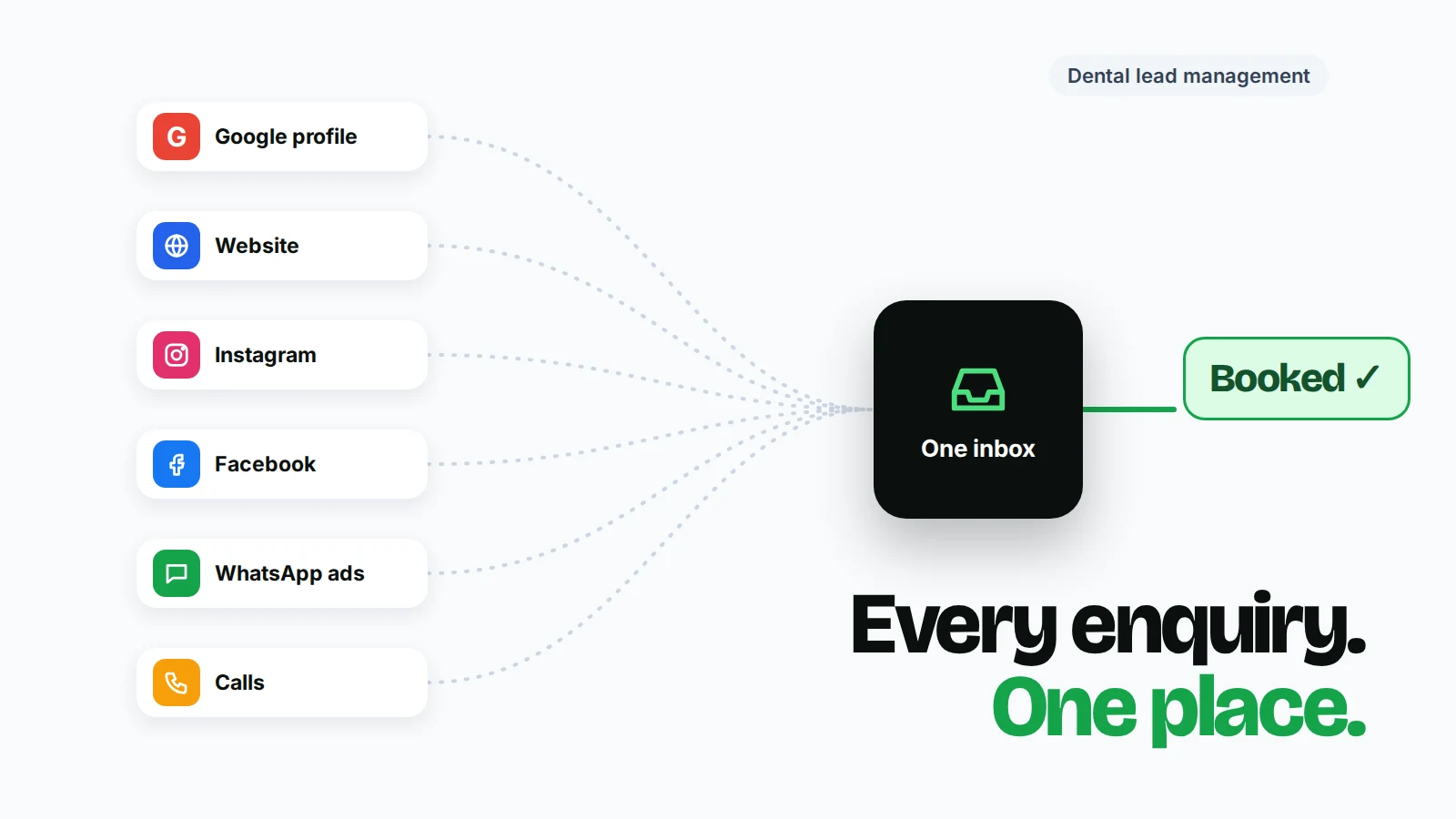
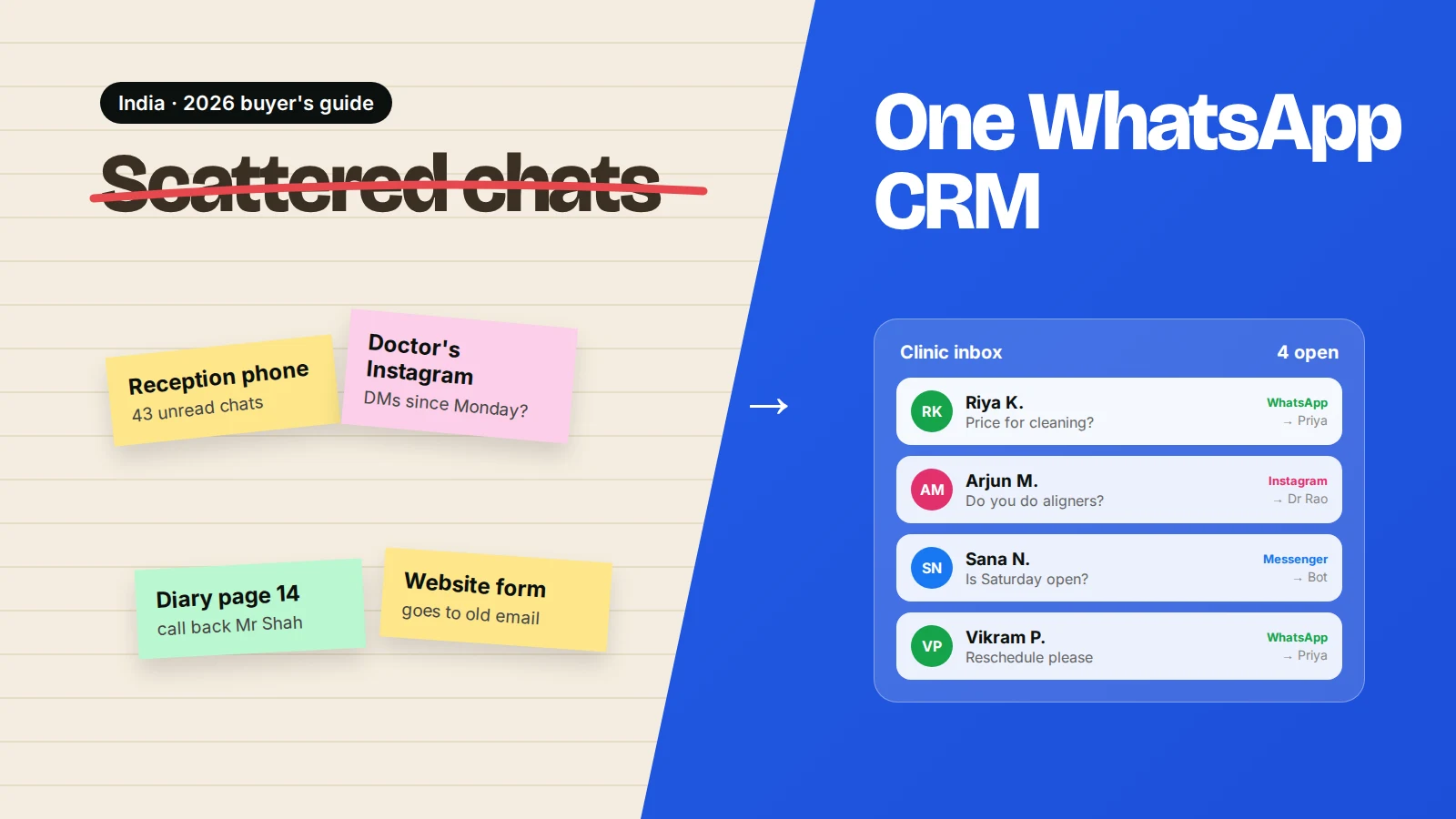
Omni puts your clinic's WhatsApp, Instagram and Facebook Messenger chats in one team inbox, with auto-replies, an AI chatbot that answers from your own content, no-code automations (tags, waits, conditions, templates, assignment) and a webhook trigger for your booking system. It doesn't replace your appointment calendar. It connects to the one you use. See how it fits a clinic on the Omni for dental clinics page.
Sources
- Meta — Pricing on the WhatsApp Business Platform (checked 7 October 2026)
- Meta — Pricing updates for service and utility messages, effective 1 October 2026
- WhatsApp Business Messaging Policy (last updated 23 September 2026)
- MyOperator — WhatsApp Business API pricing in India 2026
- Harvard Business Review — The Short Life of Online Sales Leads (2011)
- Hogan Lovells — India's DPDP Act 2023 brought into force
Frequently asked questions
Can I automate WhatsApp with the free WhatsApp Business app?
Only a little. The app has a greeting message, an away message and quick replies on one phone. Booking confirmations, reminders from your booking system, AI answers and a shared team inbox need the WhatsApp Business Platform (API) through a provider.
Will patients know they are talking to a bot?
Be open about it. Name the assistant ("Smile Dental's assistant") and always offer a way to reach the team. Patients mind slow replies far more than automated ones, as long as a person is easy to reach.
Do I need a new phone number for WhatsApp automation?
Not always. Meta's coexistence option lets some businesses use the same number in the WhatsApp Business app and the API. Otherwise you can use a new number or move your current one to the API.
Can I send treatment reports or X-rays on WhatsApp?
Be careful. WhatsApp's policy says not to share health information where local rules require stricter systems. Many clinics keep records in their clinic software and use WhatsApp only for appointments, reminders and general questions.
How many reminders should a dental clinic send?
For most appointments, one confirmation when booking and one reminder the day before is enough. Add a 2-hour reminder for early slots or for patients who missed a visit before.
- #dental clinics
- #whatsapp automation
- #patient enquiries
- #appointment reminders
- #healthcare
The Omni Team
The Omni team builds the shared inbox, AI chatbots and automation tools businesses use to talk to customers on WhatsApp, Instagram and Messenger.
Put this into practice with Omni
One inbox for WhatsApp, Instagram and Messenger, with AI chatbots, campaigns and automation. Start on the free plan.