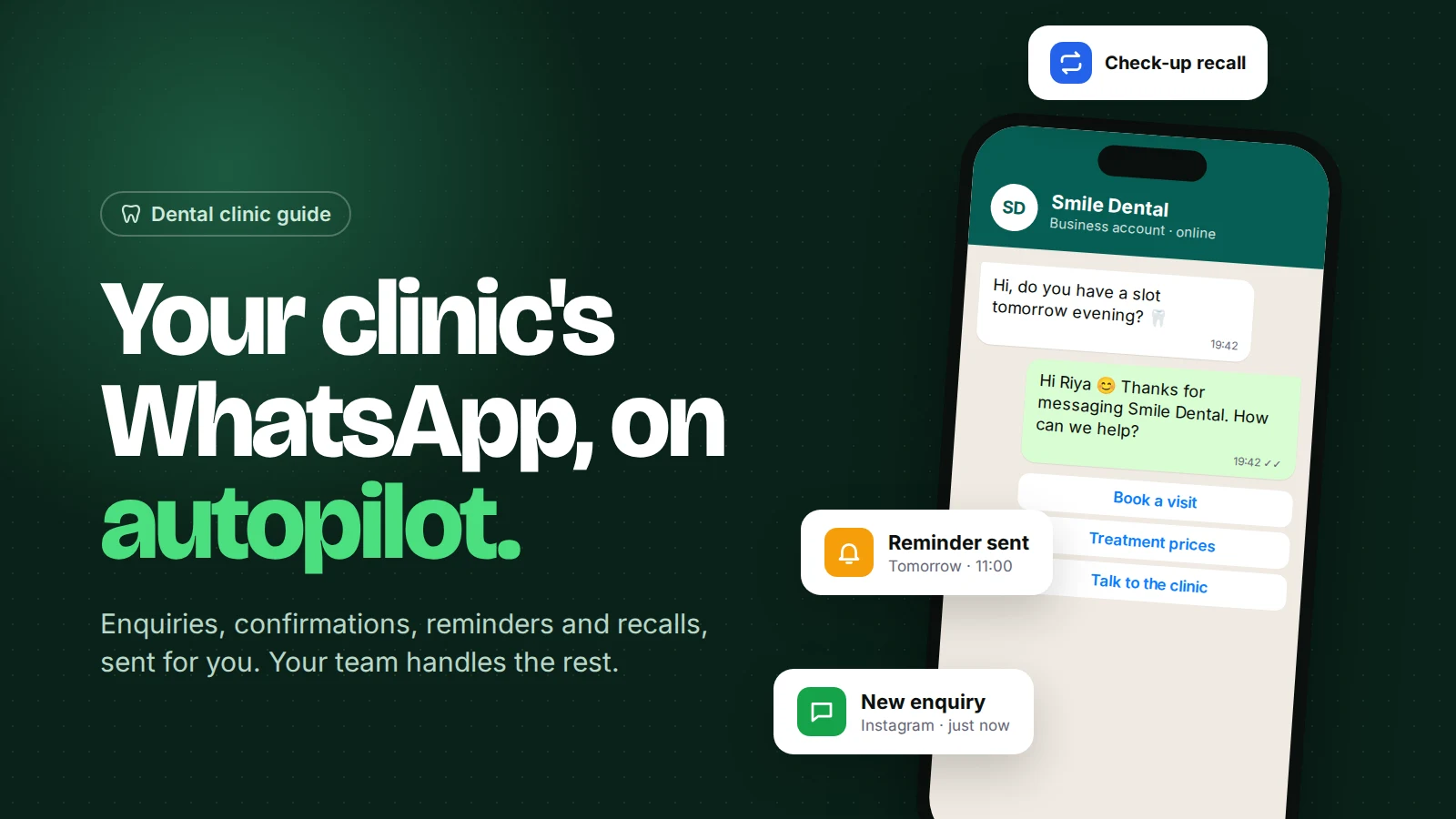
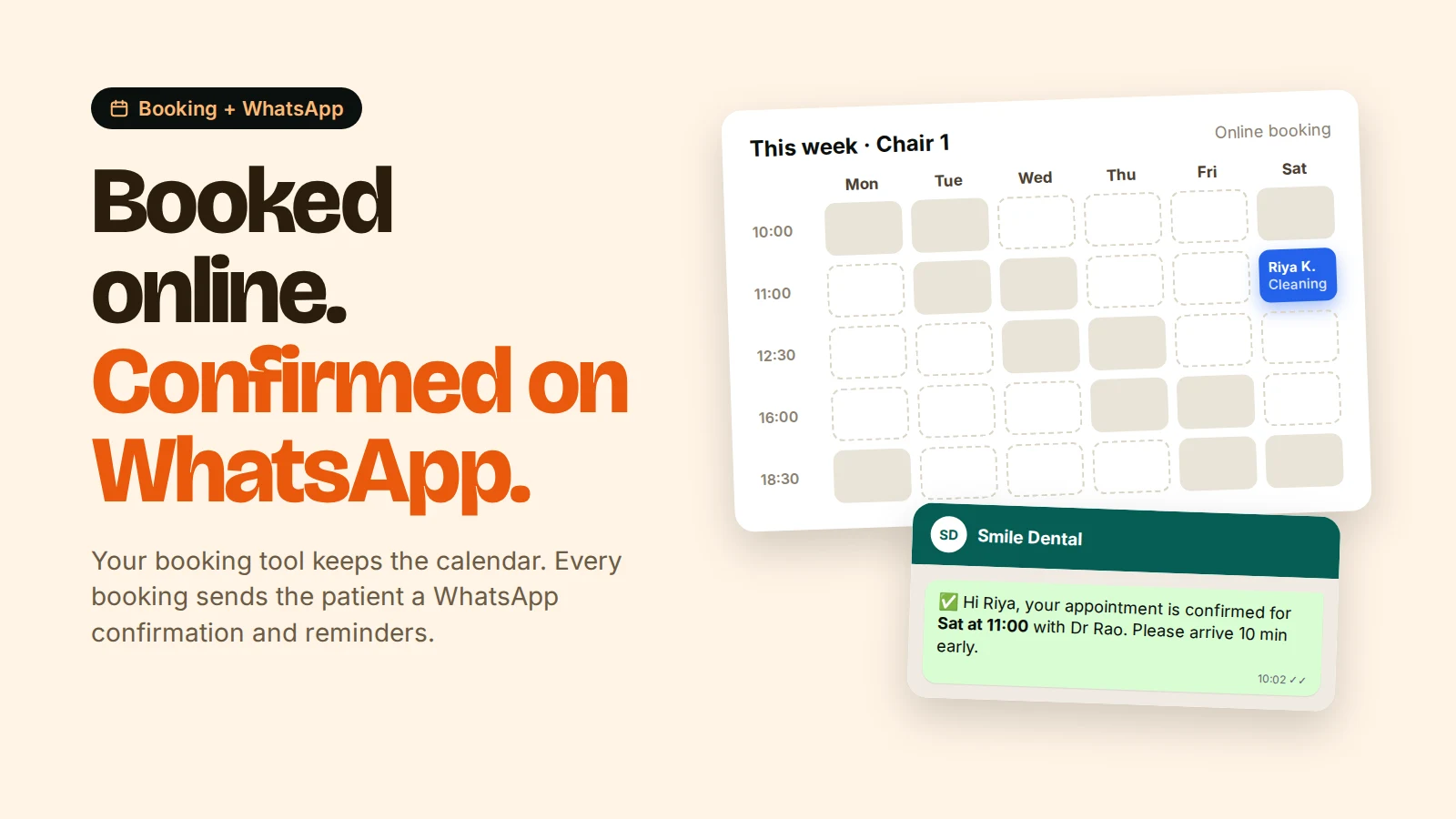
Dental appointment booking software with WhatsApp automation works in two parts: the booking tool owns the calendar (slots, doctors, chairs), and a WhatsApp automation tool sends the messages. When a patient books, the booking tool tells the WhatsApp tool through a webhook, and the patient gets a confirmation on WhatsApp within seconds, then reminders before the visit with buttons to confirm or reschedule.
Some clinic software does both in one product. Many clinics, though, already have a booking tool they like and just need it to talk to WhatsApp. This guide shows how that connection works, the messages to send, template wording that gets approved, and what it costs.
Key points
- Patients book on your website or Google profile. WhatsApp handles every message after that.
- Confirmations and reminders are utility templates and must be approved by Meta first.
- Time-based reminders ("24 hours before") are best triggered by the booking tool, which knows the appointment time.
- A reschedule button should land in a real person's inbox, not a dead end.
How does booking software connect to WhatsApp?
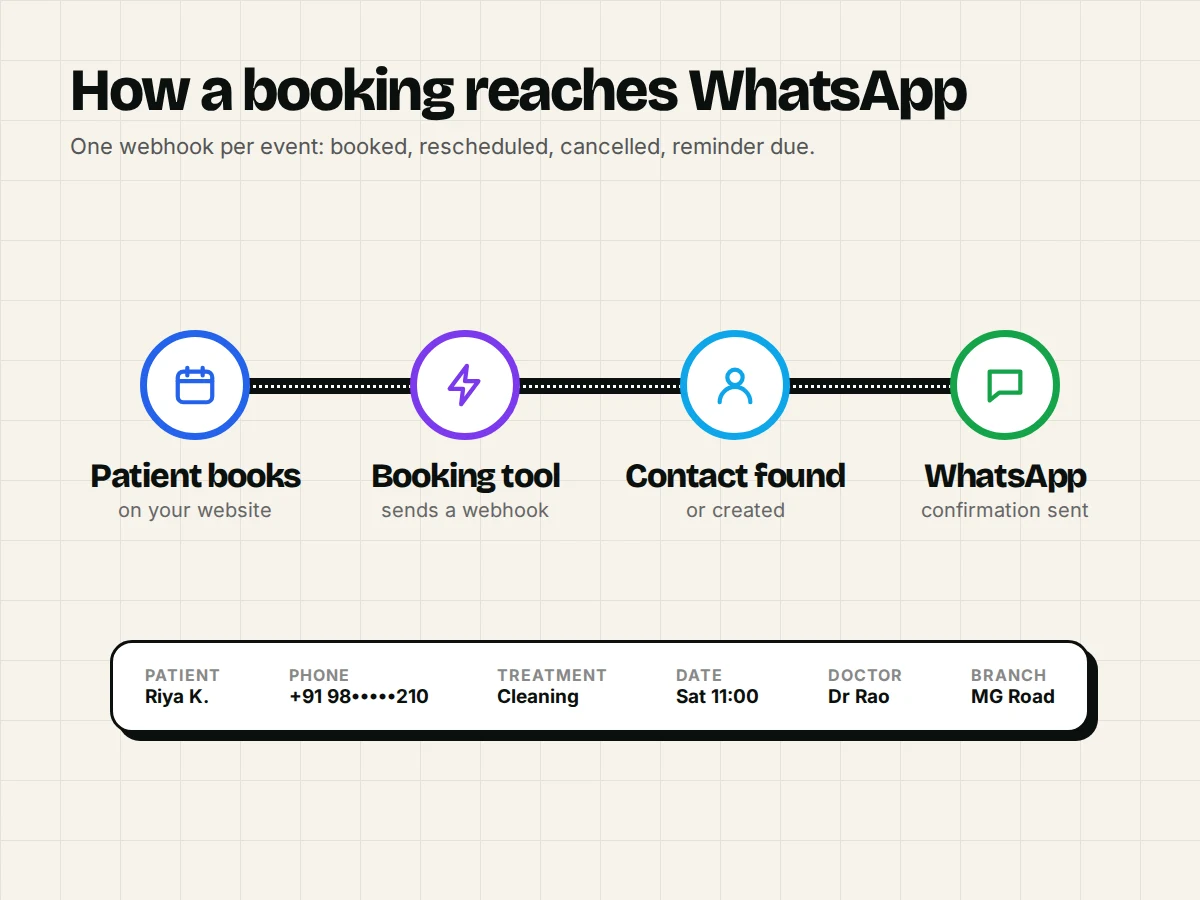
Through a webhook: when something happens in the booking tool (booked, rescheduled, cancelled, reminder due), it sends the appointment details to a web address your WhatsApp tool gives you, and that starts an automation.
A webhook is just an automatic message from one system to another. The data usually includes the patient's name and phone number, the treatment, date, time, doctor and clinic branch.
Patient books on your website
        ↓
Booking tool saves the appointment and sends a webhook
        ↓
WhatsApp automation tool finds or creates the patient's contact
        ↓
Sends the approved "booking confirmation" template on WhatsApp
What to check in your booking tool:
| Question | Why it matters |
|---|---|
| Can it send a webhook on "booking created"? | Needed for instant confirmations |
| Can it send webhooks at a time offset (e.g. 24 h before)? | Simplest way to time reminders exactly |
| Does it collect the phone number with country code? | WhatsApp needs a full number like +91 98xxxxxxx |
| Can you add a WhatsApp consent checkbox to the form? | WhatsApp requires opt-in before you message people |
| Does it send reschedule and cancel events? | So you don't remind someone who already cancelled |
Many WordPress booking plugins, scheduling tools and clinic systems support webhooks, sometimes only on paid tiers. Ask your vendor for "outgoing webhooks" or "HTTP request actions". Our guide to connecting WhatsApp to your CRM with webhooks covers the technical side.
Which WhatsApp messages should a booking trigger?
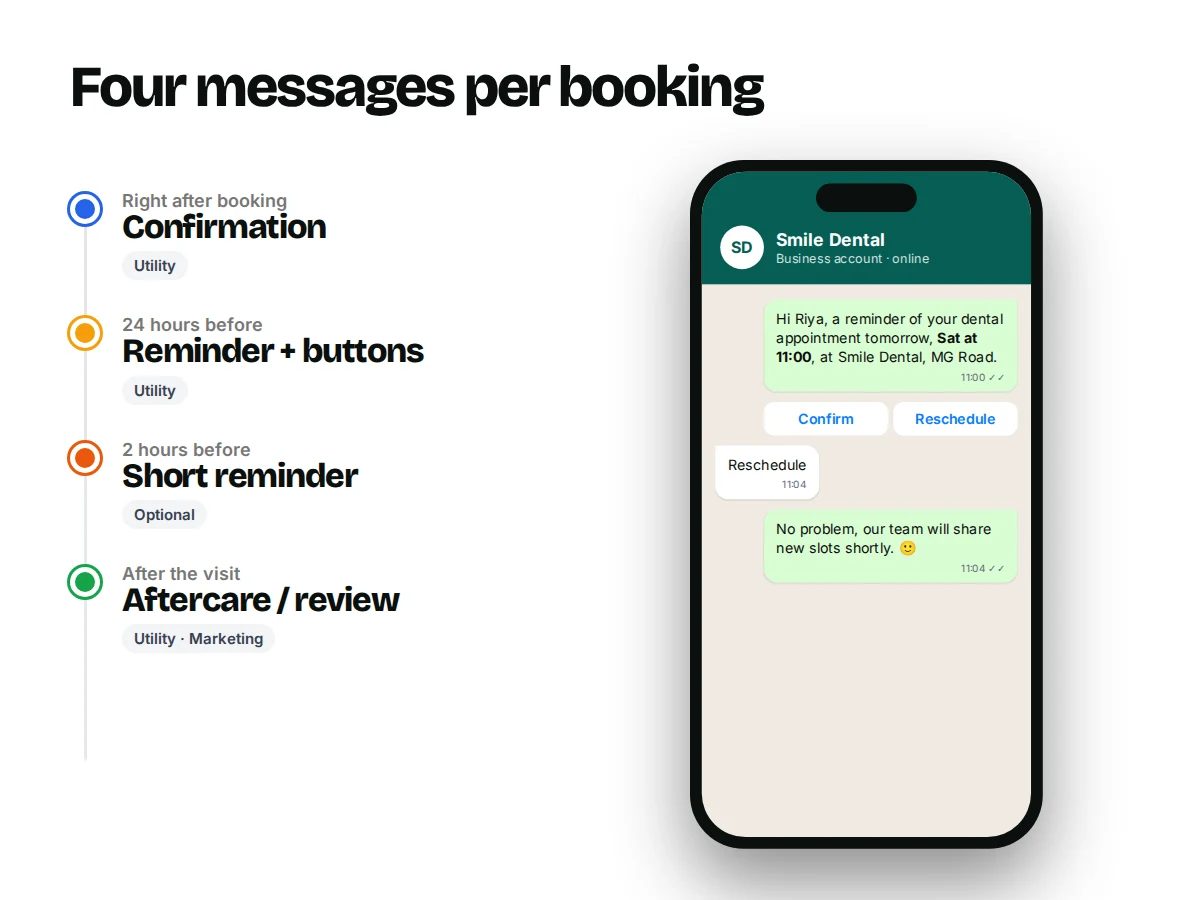
Four messages cover most clinics: a confirmation, a reminder the day before, an optional short reminder on the day, and a follow-up after the visit.
| When | Message | Template category |
|---|---|---|
| Right after booking | Confirmation with date, time, doctor, address, map link | Utility |
| 24 hours before | Reminder with Confirm / Reschedule buttons | Utility |
| 2 hours before (optional) | Short reminder, best for early slots | Utility |
| After the visit | Aftercare note or review request | Utility (aftercare) / often Marketing (review) |
For a fuller look at reminder timing and no-show tactics across clinics and salons, read WhatsApp appointment reminders.
What do approved dental templates look like?
Short, specific and clearly about the patient's own appointment. That's what Meta's utility category is for. Variables like {{1}} are filled in per patient.
Booking confirmation (utility)
Hi {{1}}, your appointment at {{2}} is confirmed for {{3}} at {{4}} with {{5}}. Address: {{6}} Please arrive 10 minutes early. Reply here if you have any questions.
Day-before reminder (utility, with quick-reply buttons)
Hi {{1}}, a reminder of your dental appointment tomorrow, {{2}} at {{3}}, at {{4}}. Buttons: Confirm · Reschedule
Aftercare (utility)
Hi {{1}}, thank you for visiting {{2}} today. Your care instructions for {{3}}: {{4}}. If you have severe pain or bleeding, call us at {{5}}.
Tips that help approval: no offers or discounts in utility templates, no vague "Hi, we have news for you", and sample values that look real when you submit. Our guide on WhatsApp template approval lists common rejection reasons.
How should reschedule and cancel requests work?
When a patient taps "Reschedule", the reply should go straight to your front desk's inbox, assigned to a person, with the appointment details visible.
A quick-reply button tap arrives as a normal message ("Reschedule"). That opens the 24-hour customer service window, so your receptionist can reply freely. A simple automation can:
- Spot a message containing
Reschedule(watch the exact spelling and capitals your tool matches). - Assign the chat to the front desk and add a
reschedulelabel or tag. - Send: "No problem, our team will share new slots shortly. You can also pick one here: {{booking link}}."
Then make the change in the booking tool, which sends its own "rescheduled" webhook and a fresh confirmation. One source of truth, no double entry.
Can patients book directly inside WhatsApp?
Yes, in a few ways, but each has trade-offs.
- Send a booking link in the chat. Simplest and works with any booking tool. The patient taps, picks a slot on your booking page and comes back to WhatsApp for the confirmation.
- A conversation flow that asks treatment, preferred day and time, then a person confirms. Good for clinics without an online calendar. Treat it as a booking request, not a confirmed slot.
- WhatsApp Flows (Meta's in-chat forms). Polished, but needs setup and usually a developer to connect to live slot availability.
For most clinics, the booking link plus a person confirming tricky cases is the best balance.
What does it cost?
Meta's charge for a utility template to an Indian number is about ₹0.12 before GST, as of October 2026. That figure is from Meta's INR rate card as summarised by MyOperator; official rates are on Meta's pricing page.
Worked example for a hypothetical clinic with 400 bookings a month:
- Confirmation + day-before reminder: 800 utility templates × ₹0.115 ≈ ₹92
- 2-hour reminder for 100 early slots: 100 × ₹0.115 ≈ ₹12
- Replies to reschedule chats: also charged at the utility rate since 1 October 2026 (Meta), a few rupees for a typical month
So Meta's part is roughly ₹100–₹150 a month plus 18% GST. On top come your booking tool and WhatsApp tool subscriptions. The WhatsApp API pricing guide explains the billing rules.
Setup checklist
- Connect your clinic number to the WhatsApp Business Platform through a provider.
- Create and submit the confirmation, reminder and aftercare templates.
- Add a WhatsApp consent checkbox to your booking form.
- In your WhatsApp tool, create an automation with a webhook trigger and copy its URL.
- In your booking tool, send "booking created" to that URL. Add time-offset events for reminders if supported.
- Map fields: patient name, phone, treatment, date, time, doctor, branch.
- Book a test appointment with your own number. Check every message, link and button.
- Watch the first week's runs for failures, such as missing country codes.
Common mistakes
- Phone numbers without country code. Make +91 the default on your form.
- Reminding cancelled appointments. Make sure cancel events reach your WhatsApp tool, or check status before sending.
- Marketing inside utility templates. "Get 20% off whitening!" in a reminder gets the template re-categorised or rejected.
- Wrong dates. Test with a booking tomorrow, next week and across a month end.
- No human on the other end. A Reschedule button that nobody answers for a day costs you the appointment.
How Omni fits
Omni isn't an appointment calendar. It's the WhatsApp side.
Each automation can have its own webhook URL, and when your booking tool calls it, Omni creates or updates the patient's contact and sends your approved templates, using appointment details such as treatment, date and time in the message.
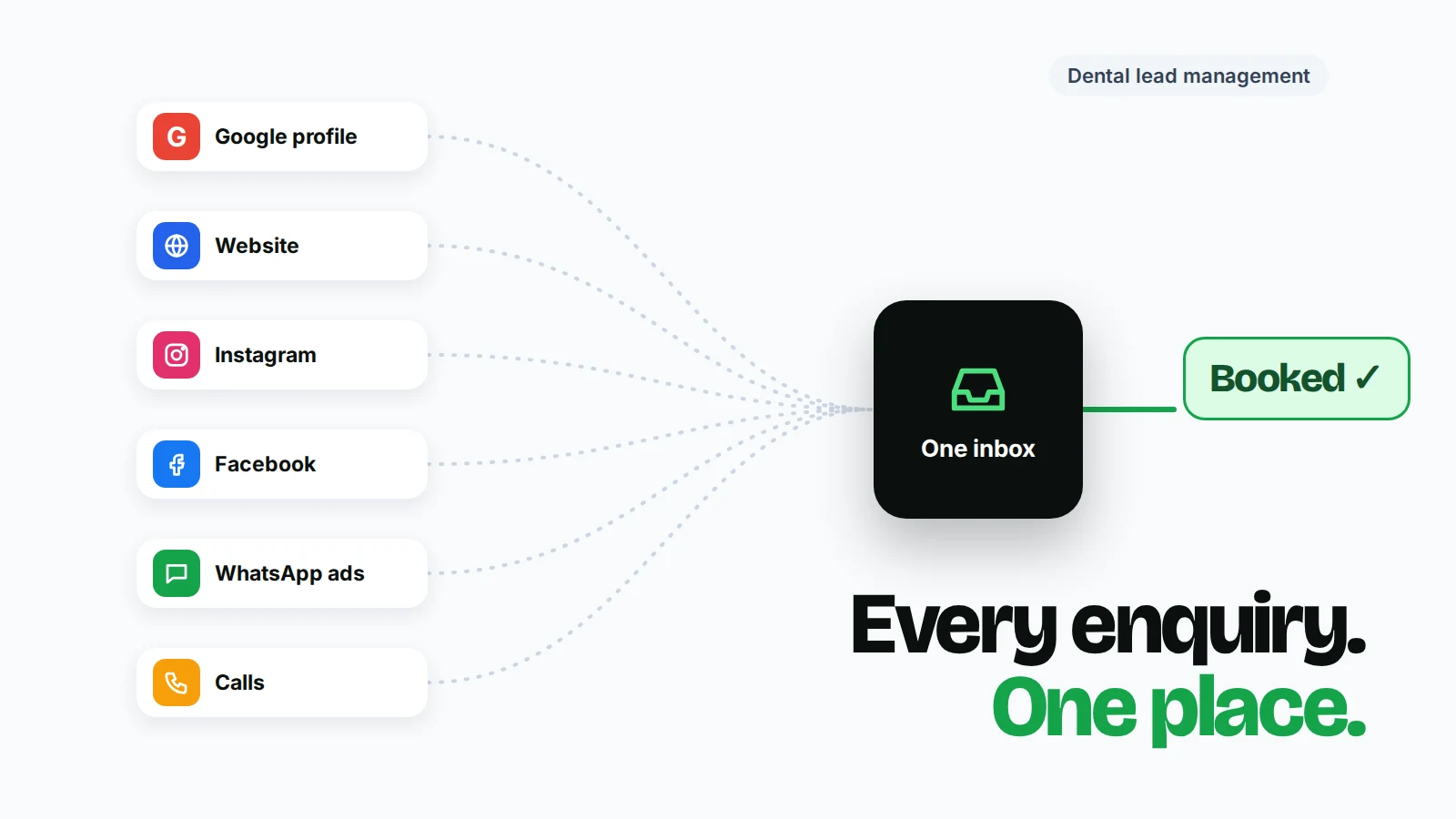
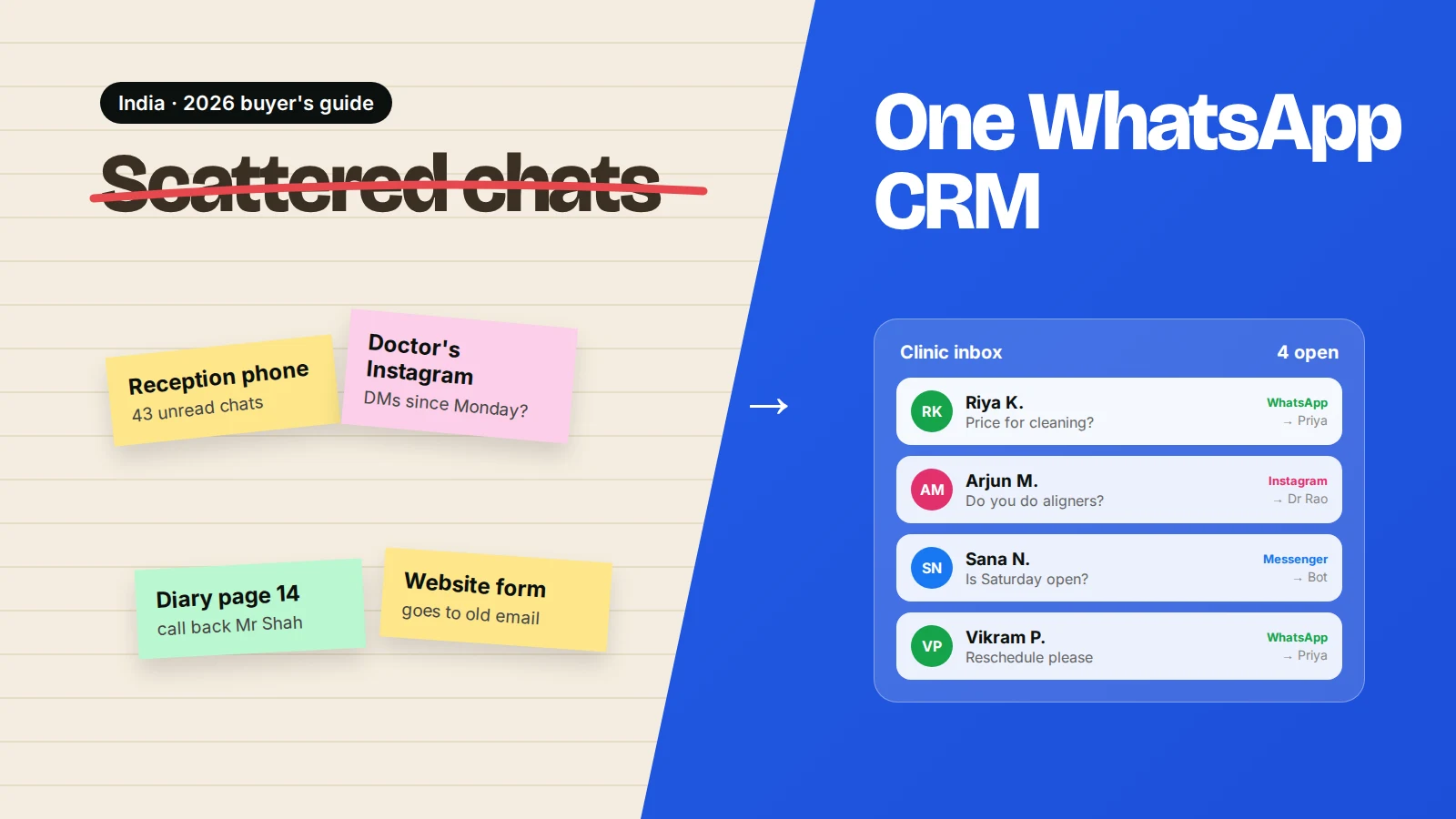
Reschedule replies land in a shared inbox with assignment and labels. The same inbox handles Instagram and Messenger enquiries. See the Omni for dental clinics page or the automations guide.
Sources
Frequently asked questions
Do I need special dental software to send WhatsApp reminders?
No. Any booking tool that can send a webhook (or a CSV export for smaller clinics) can feed a WhatsApp automation tool. Dental practice software with built-in WhatsApp is an alternative if you're choosing new software anyway.
Can I send appointment reminders from the free WhatsApp Business app?
Only by hand, one patient at a time. Automatic confirmations and reminders triggered by your booking system need the WhatsApp Business Platform (API).
How long does Meta take to approve a reminder template?
Often minutes, sometimes longer. Clear, specific wording with realistic sample values gets approved fastest.
Will reminders reduce no-shows at my clinic?
Reminders usually help because patients forget, not because they don't care. Measure your own no-show rate for a month before and after so you know the real effect.
What if a patient replies to a reminder with a question?
Their reply opens a 24-hour window, so your team can answer freely in the inbox. Make sure someone owns those replies during clinic hours.
- #dental clinics
- #appointment booking
- #whatsapp automation
- #reminders
- #no-shows
The Omni Team
The Omni team builds the shared inbox, AI chatbots and automation tools businesses use to talk to customers on WhatsApp, Instagram and Messenger.
Put this into practice with Omni
One inbox for WhatsApp, Instagram and Messenger, with AI chatbots, campaigns and automation. Start on the free plan.